Airbnb new booking missed
Airbnb X Nobeds calendar mismatch: This error occurs when a customer wants to make a reservation via Airbnb, but Nobeds calendar returns that availability is 0 or closed.
Guide Details
An Airbnb X NoBeds calendar mismatch typically occurs when a customer tries to make a reservation on Airbnb, but the request fails because the NoBeds calendar shows 0 availability or the dates are closed. This can happen due to delayed API sync or manual edits.
Common Reasons:
1. Delayed Synchronization: Airbnb's automatic synchronization might take a few minutes. If a room was just booked via Booking.com, Airbnb might still show it as available. NoBeds instantly blocks it in its own calendar to prevent double booking.
2. Manual Calendar Blocks: You or a staff member might have manually blocked dates on the NoBeds Calendar (for cleaning or maintenance) without checking if Airbnb updated in time.
How to Resolve:
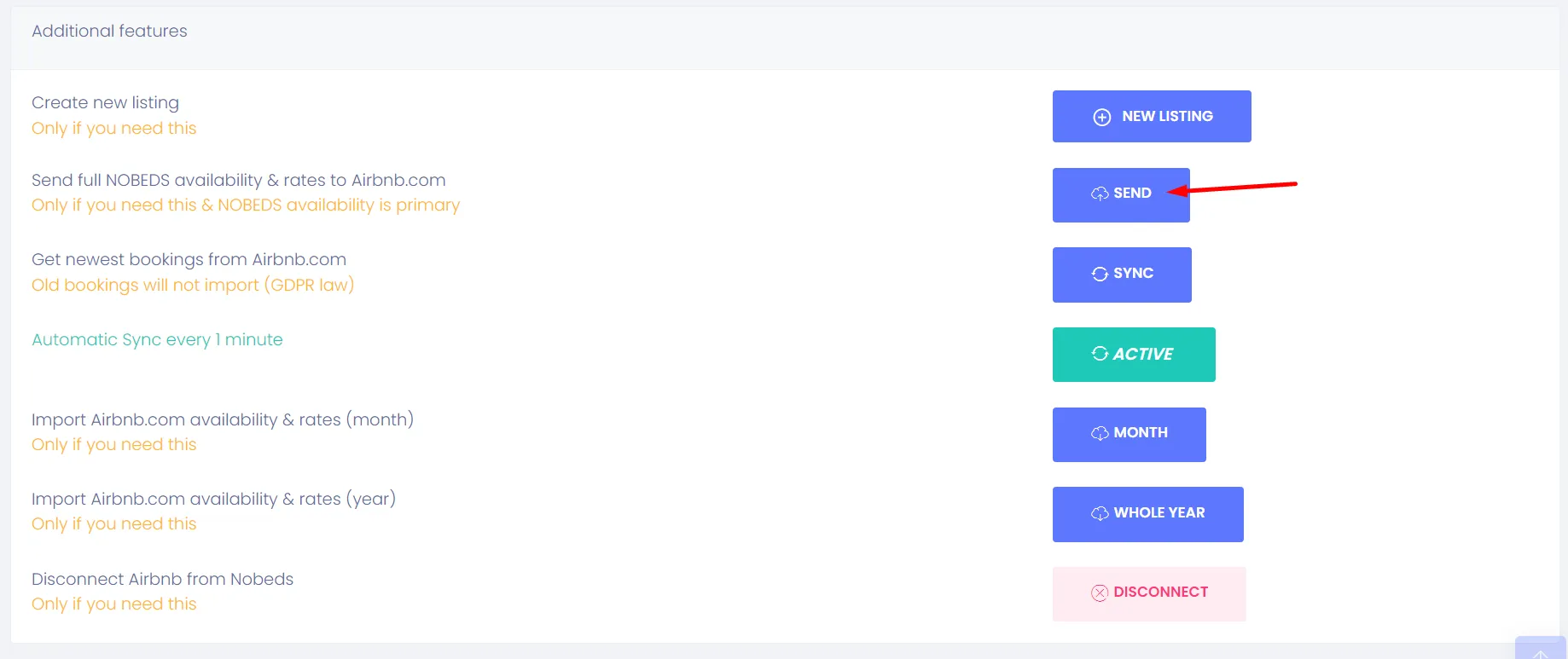
Check why the Airbnb calendar shows availability while NoBeds shows closed. To force an immediate synchronization and update Airbnb with the correct NoBeds availability calendar, perform a manual push:
Follow this path in your dashboard:
Settings > Channels > Airbnb > Send / Sync