Availability Calendar Colors and Legends
Understand what each cell and badge color represents on your calendar dashboard.
Calendar Grid Color Legend
1
1. Available Rooms (Yellow/Green)
Rooms open for sale are highlighted in shades of Yellow to Green. The color adjusts dynamically based on the listing price relative to your base rate.
2
2. Booked and Closed Rooms (Pink/Red)
Fully booked or manually closed rooms appear in Light Pink (Closed). If a room has duplicate reservations, it is highlighted in Bright Red (Overbooking).
3
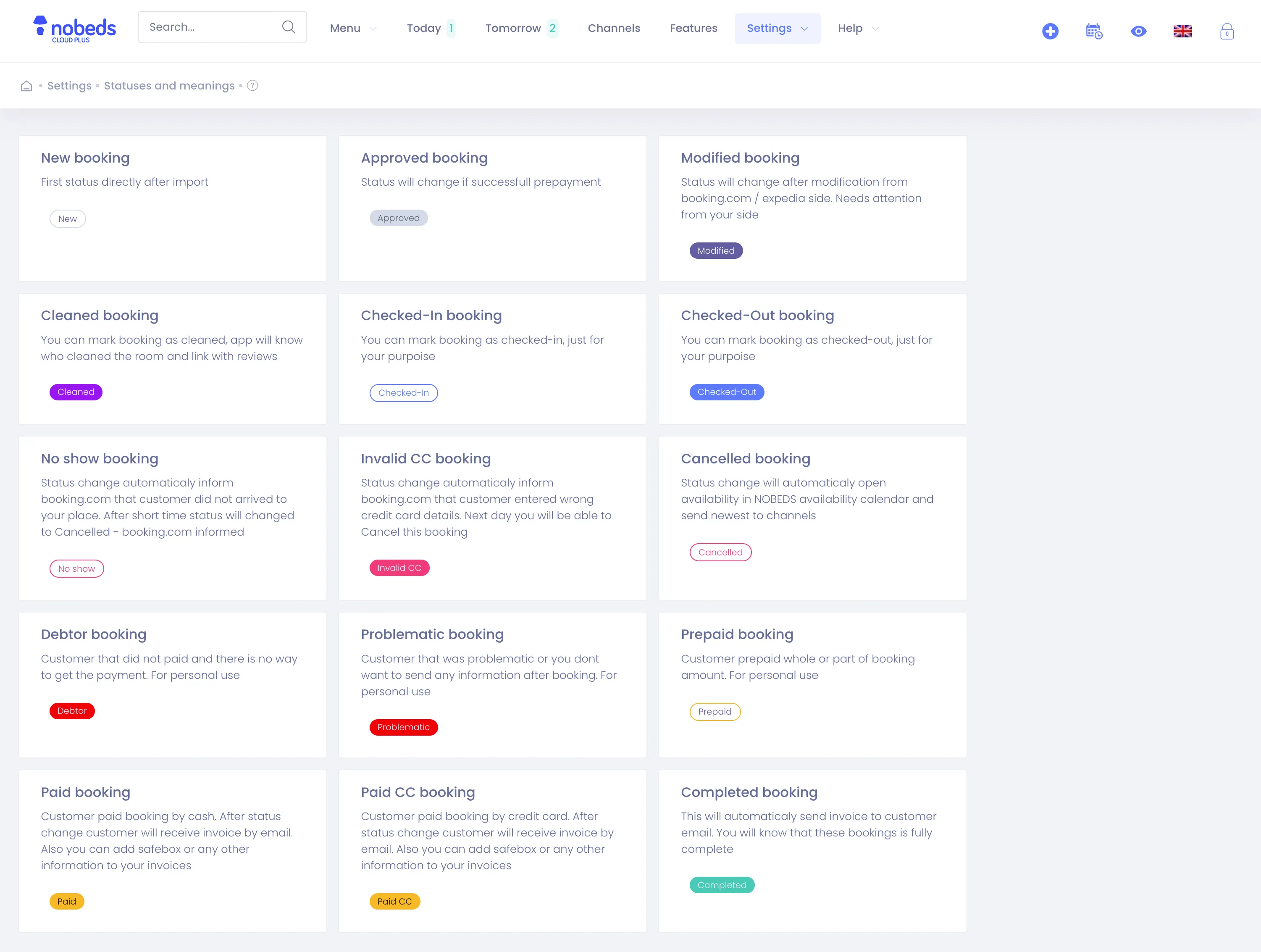
3. Reservation Status Badges (Grey, Orange, Beige)
Reservations overlaid on the grid display fixed colors based on status: Grey for New/Modified, Light Yellow for Approved, Orange for Completed, and Dark Red for Cancelled/No show.
Static Color Scheme
These system colors are pre-set and static to ensure consistent visual reading of your inventory. Need help? Contact us at support@nobeds.com.