How to Check Today's Arrivals
NOBEDS provides three quick ways to check your incoming check-ins for today directly from the dashboard.
Method 1: Today Stats Widget
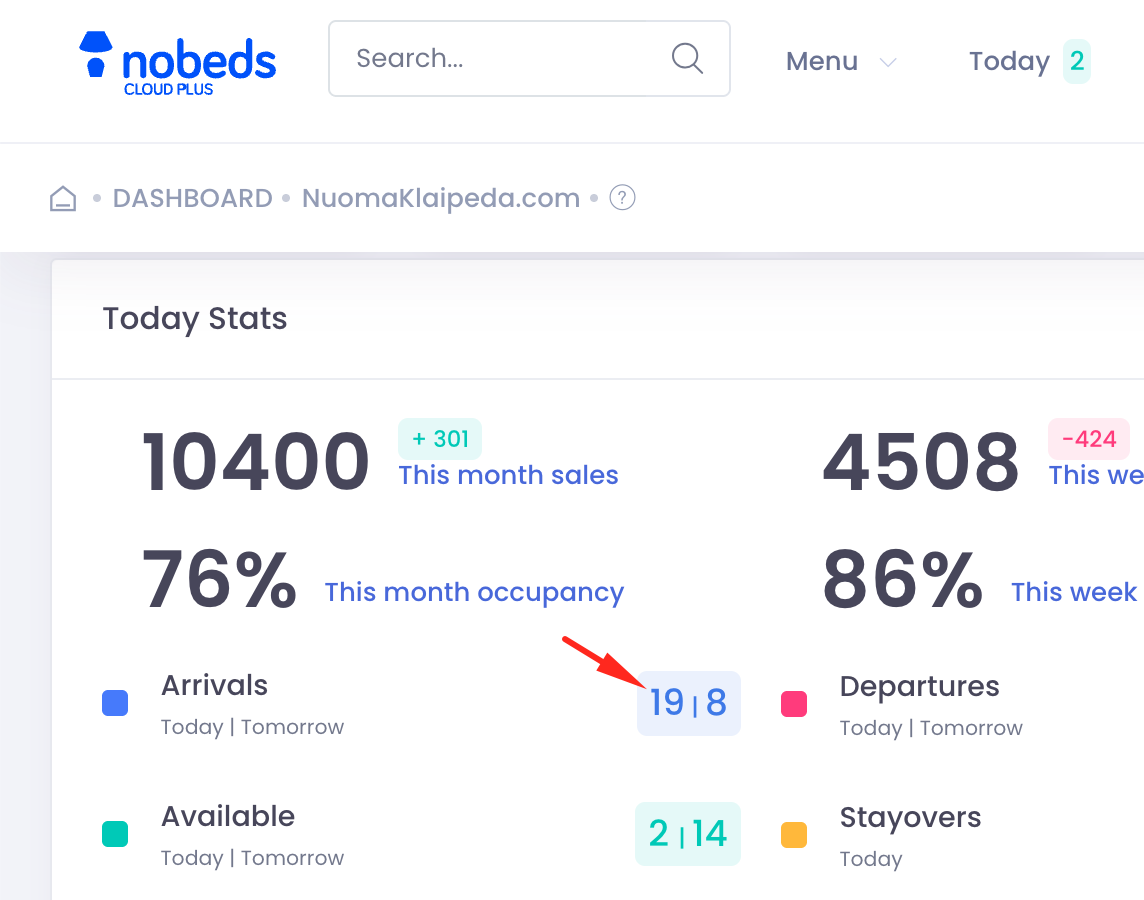
The fastest way to check arrivals if the "Today Stats" module is enabled:
- 1Locate the "Today Stats" block on your main screen.
- 2Find the "Arrivals" metric (usually highlighted with a blue indicator).
- 3Notice the two numbers separated by a line (e.g., 19 | 8). The first number represents today's arrivals.
- 4Click on the first number (for today) to open the detailed list of guests checking in.
Method 2: Top Navigation Bar
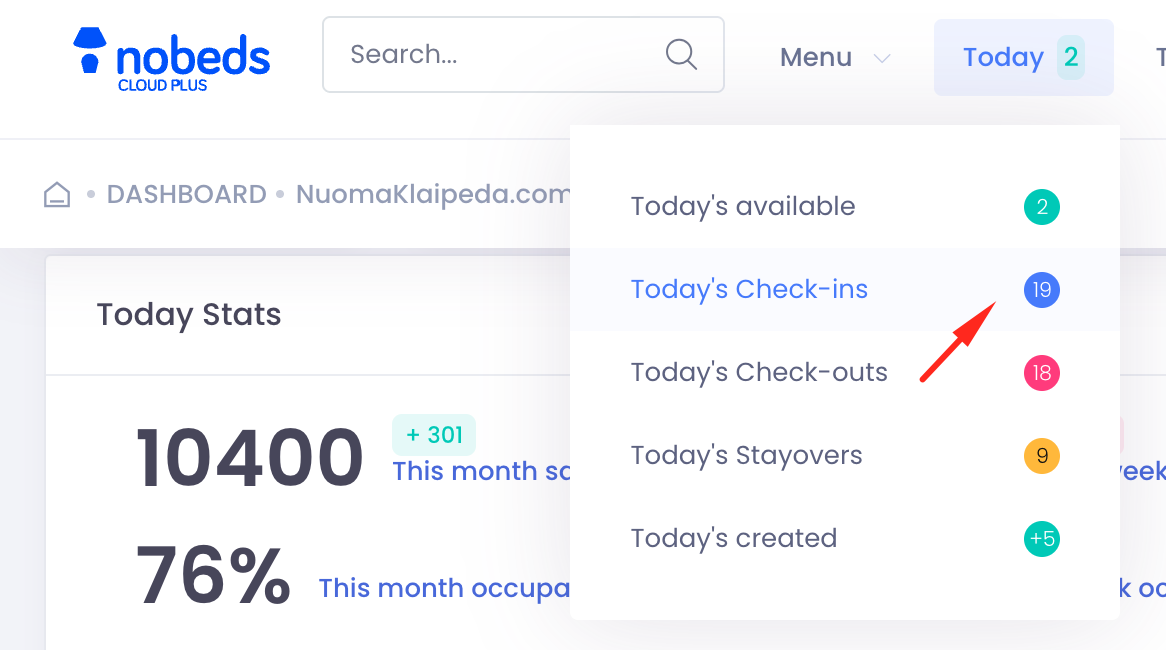
A quick way to see today's overview from anywhere:
- 1Locate the "Today" button in the top navigation menu.
- 2Click on it to open the quick summary dropdown.
- 3Select "Today's Check-ins" to view the detailed list of arriving guests.
Method 3: Bookings List Filter
For a comprehensive view using the main bookings page:
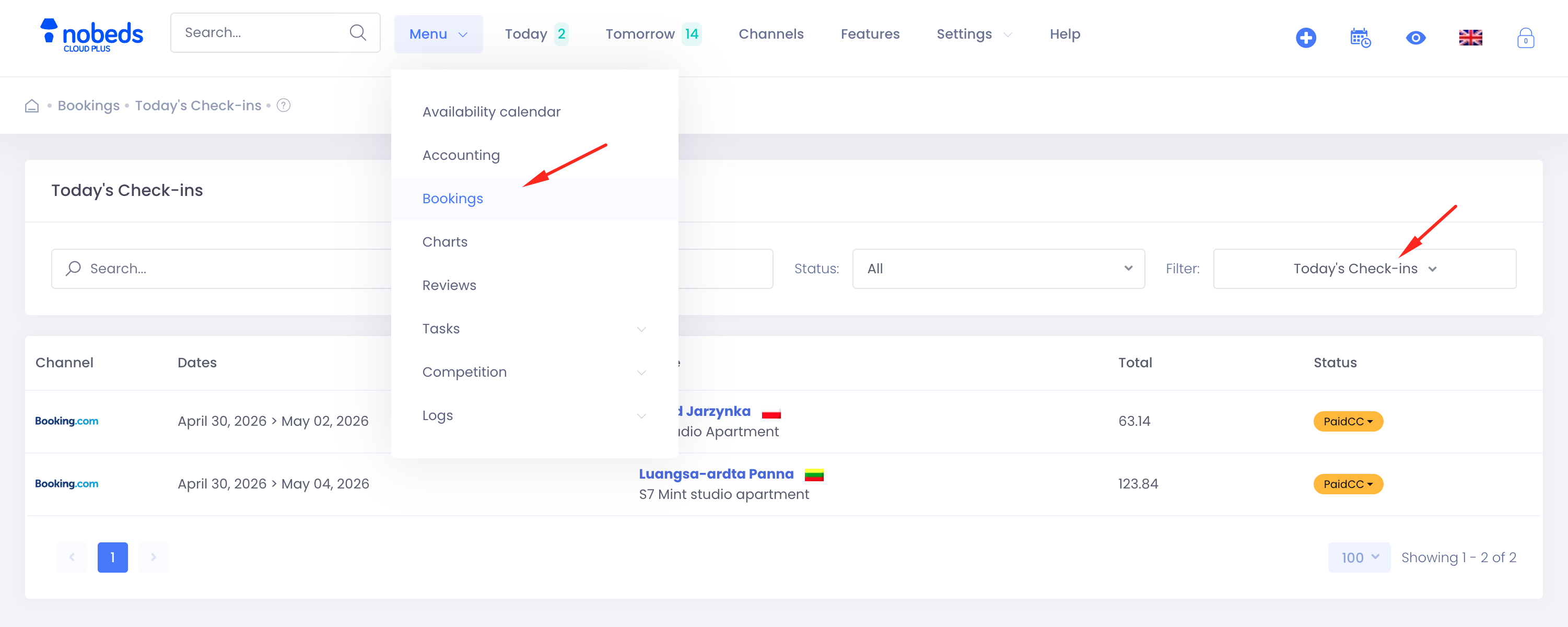
- Click on "Menu" in the top navigation bar.
- Select "Bookings" from the dropdown list.
- On the Bookings page, use the Filter dropdown on the right side.
- Select "Today's Check-ins" to display only the arriving guests for today.