Keyless Entry & Automation
How to Connect Smart Locks and Automate Self Check-In?
Deliver seamless 24/7 contactless arrivals by integrating smart locks and automating personalized door codes for every guest.
1. Configure Automated Self Check-In Email Templates
Set up your automatic pre-arrival dispatch:
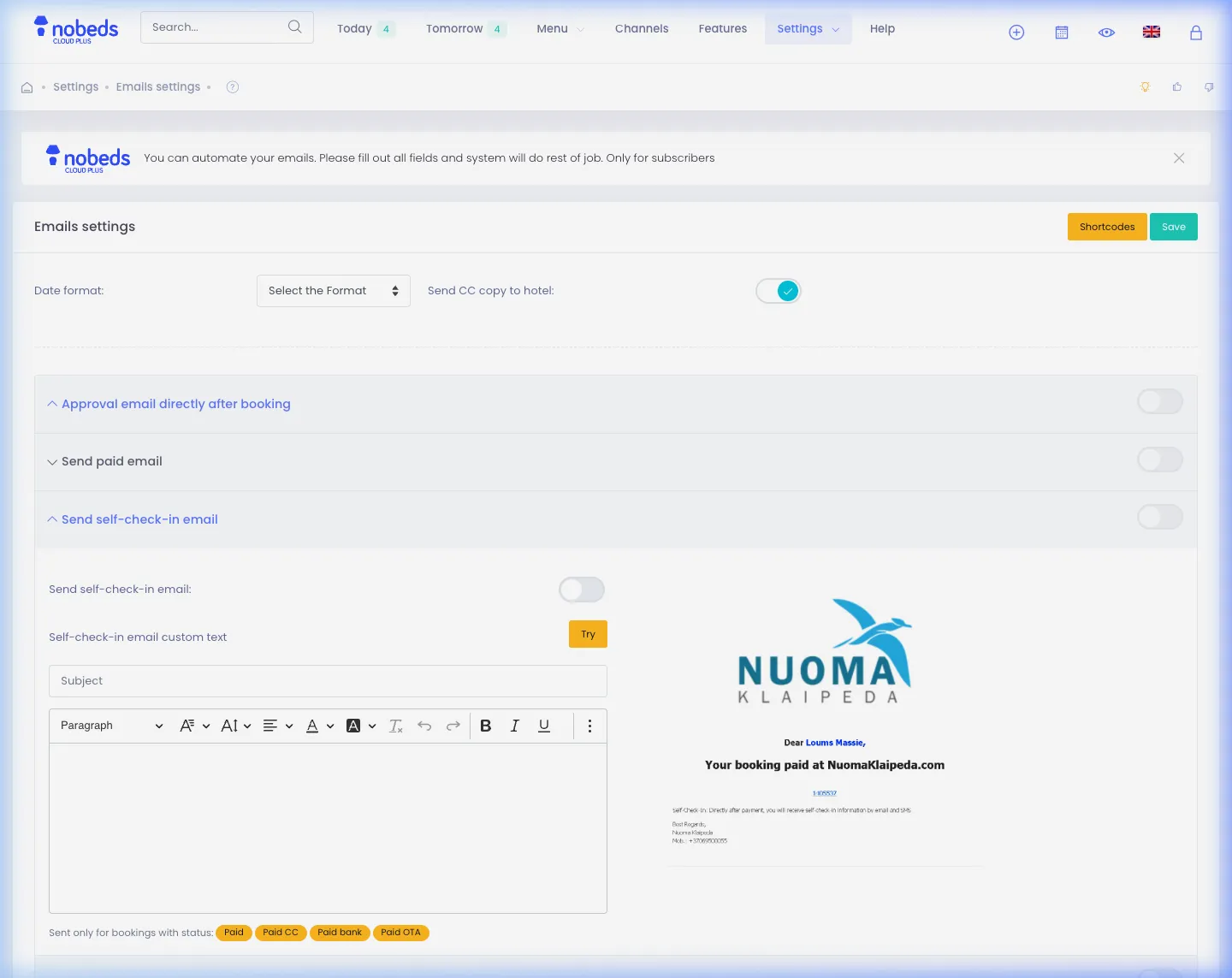
- In Nobeds, navigate to Settings > Emails (
/Settings/Emails). - Click to open the Send self-check-in email section and toggle it to Active.
- Use dynamic tags such as
{door_code},{guest_name},{checkin_date}, and your property directions.
2. Connect External Smart Lock APIs via Webhooks
Integrate with hardware providers like Vikey, TTLock, or Nuki:
- Go to Settings > Developers > WebHook (
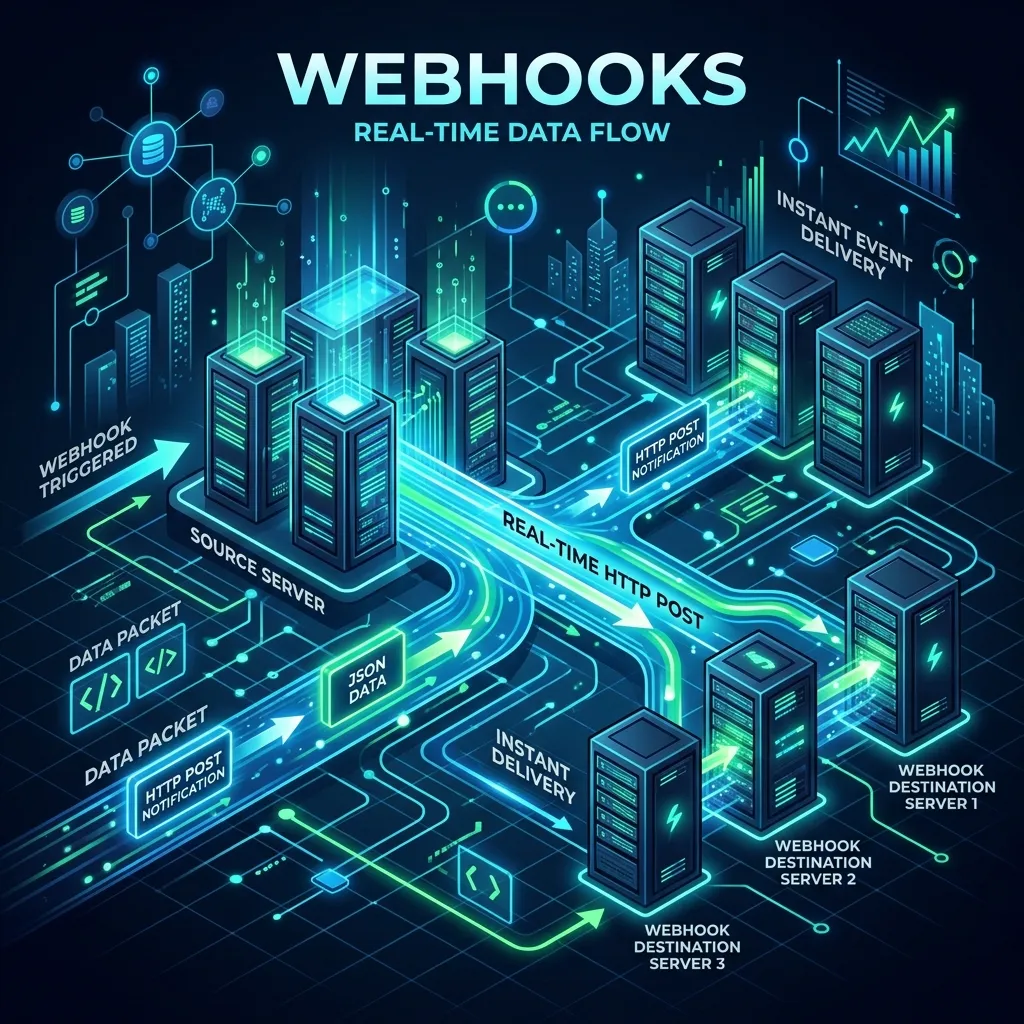
/WebHook). - Register your smart lock bridge endpoint to receive
booking.createdandbooking.updatedJSON events. - When a new booking is confirmed, your smart lock middleware automatically generates a unique PIN valid only for the duration of the guest stay.
3. Automate Timing & Key Delivery
Ensure timely communication with your guests:
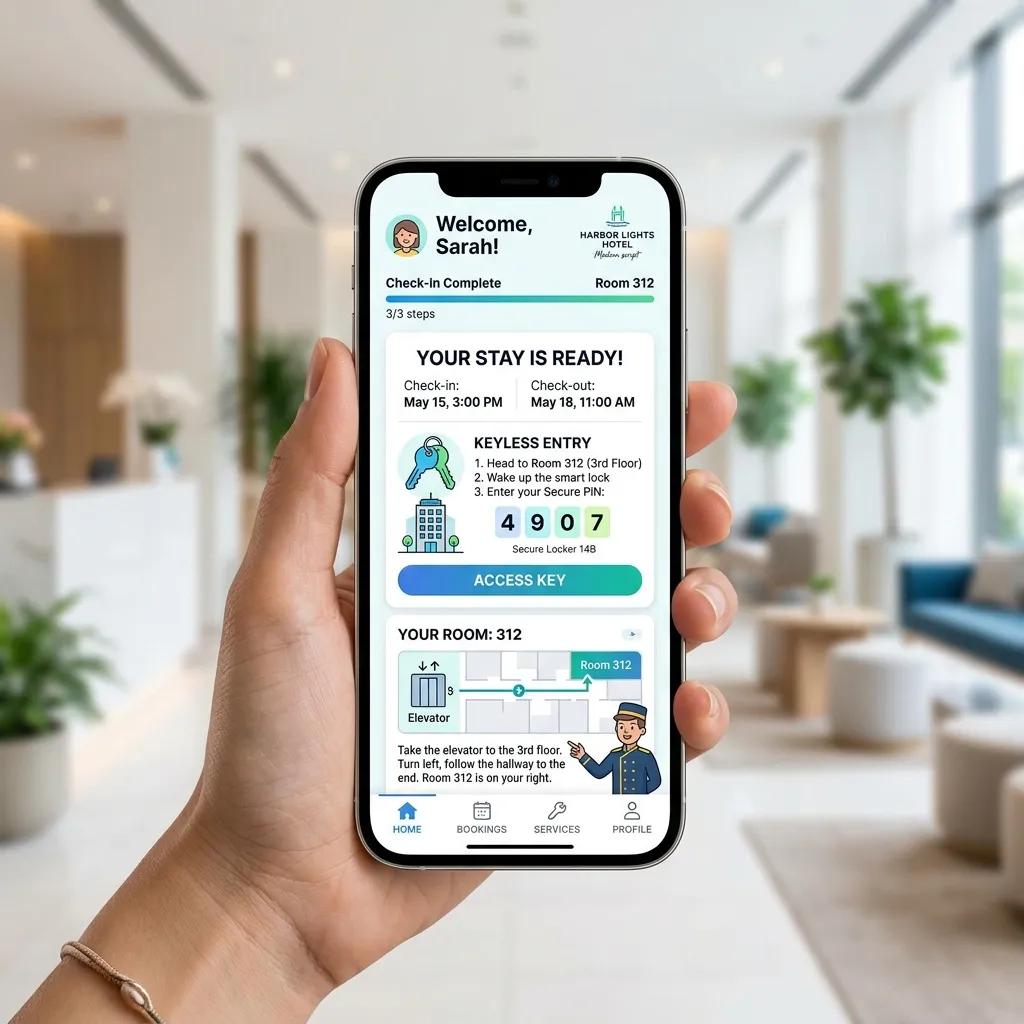
- Pre-arrival emails with self check-in forms and door access codes are dispatched automatically 1 day prior to check-in.
- Guests can complete their digital registration form and receive digital room keys directly on their mobile device.
- On the checkout morning, an automated thank-you and departure reminder is sent automatically.
Important Setup Notes
- Ensure guest email addresses or phone numbers are collected from OTAs to allow successful delivery of automated check-in messages.
- Door codes should be programmed to activate at standard check-in time (e.g. 15:00) and expire automatically at check-out (e.g. 11:00).
Best Practices for Contactless Check-In
- Include a Google Maps navigation pin and Wi-Fi credentials in your self check-in email template.
- Pair your self check-in email with the Nobeds Guest Registration Form to collect passport data and digital signatures in advance.
FAQ
Q:Which smart lock brands can be integrated?
Any smart lock ecosystem with an open cloud API (including Vikey, Nuki, TTLock, Yale, August, and Tedee) can be connected via Nobeds Webhooks and REST API.
Q:Can I manually enter a door code for a specific booking?
Yes! Open any reservation from your Bookings list and enter the custom access code in the booking notes or access field.
Q:Does Nobeds charge per door code generated?
No. Automated emails and Webhook notifications are completely free of extra per-code fees.
Contactless Setup Guide
Click to Enlarge
Click to Enlarge
Click to Enlarge
Setup Checklist
- Active self-check-in email template
- Dynamic {door_code} variable configured
- Webhook receiver for booking.created events
- Automated 1-day pre-arrival dispatch