Direct Booking Engine
How to Embed NOBEDS Booking Engine on WordPress & Wix
Accept 0% commission direct bookings directly on your personal hotel website using our responsive iframe integration.
Step 1: Obtain Your Direct Booking URL & Hotel ID
Each accommodation in NOBEDS has a dedicated direct reservation link:
- In NOBEDS app, go to Settings > Direct booking engine (or Settings > Listings).
- Find your Hotel ID (numeric code) and copy your Direct Booking Form URL: https://nobeds.app/DirectForm/Step/{hotel_id}.
- Optional: Apply brand colors by adding hex codes: https://nobeds.app/DirectForm/Step/{hotel_id}/{background_hex}/{button_hex} (e.g. /ffffff/1a56db).
Step 2: Embed into WordPress (Block Editor / Elementor)
Embedding the booking calendar into your WordPress website takes less than 2 minutes:
- Gutenberg (Block Editor): Add a "Custom HTML" block to your reservation page.
- Elementor: Drag and drop the "HTML" widget onto your page container.
- Paste the iframe code: <iframe id="nobeds-booking-frame" src="https://nobeds.app/DirectForm/Step/{hotel_id}" style="width:100%; border:none; min-height:650px;" scrolling="no"></iframe>.
Step 3: Embed into Wix & Squarespace
Adding to popular website builders without coding:
- Wix: Click Add Elements (+) > Embed Code > Embed HTML. Select "Code" and paste the NOBEDS iframe snippet.
- Squarespace: Add a "Code" block, set mode to HTML, and paste your iframe code.
- Set container width to 100% and adjust box height to ensure all room calendars and checkout buttons render smoothly.
Iframe Implementation Notes
- Always set width="100%" and min-height="600px" to allow room photos and dates to fit desktop and mobile screens.
- Direct bookings made through embedded iframes receive instant confirmation and sync across all connected OTAs within 1 minute.
Best Practices
- Place a prominent "Book Now" button in your website header linking or scrolling directly to the embedded iframe section.
- Enable Stripe or SumUp in NOBEDS (Settings > Online payments) so guests can pay securely by card inside the form.
Frequently Asked Questions
Is the embedded direct booking engine mobile responsive?
Yes, the NOBEDS DirectForm automatically adapts to smartphones, tablets, and desktops.
Are there any setup fees or booking commissions?
No, NOBEDS charges 0% commission on direct website bookings with no hidden setup costs.
Can I embed multiple rooms or multiple properties on one website?
Yes, you can embed separate booking widgets on individual room pages or use the property-level DirectForm to let guests pick from all rooms.
Integration Checklist
- Retrieve Hotel ID from NOBEDS
- Copy DirectForm URL snippet
- Embed HTML block in WordPress/Wix
- Verify mobile responsiveness
Need assistance with website embedding? Contact our support team at support@nobeds.com.
Visual Guides
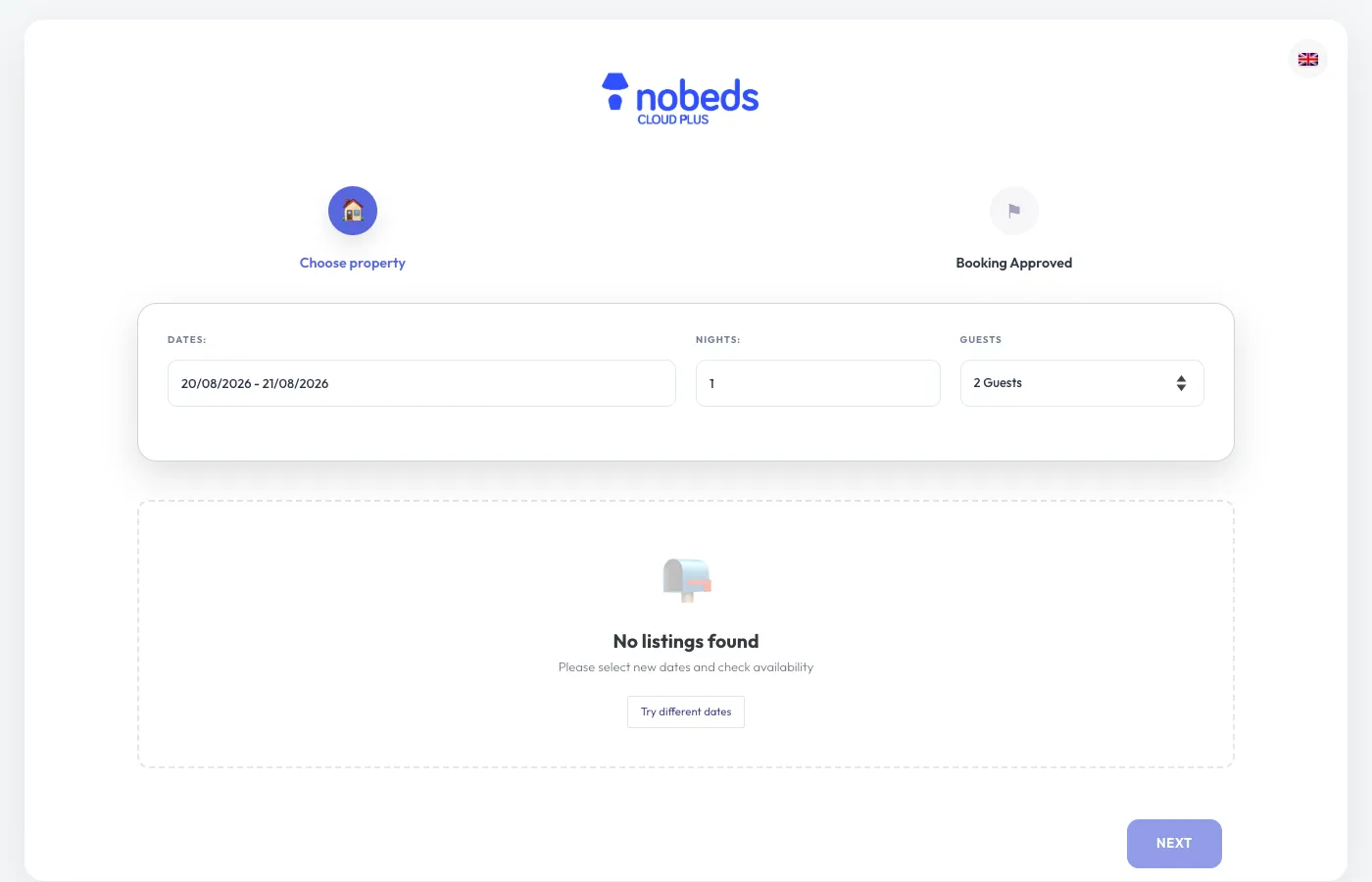
Direct Booking Engine Preview
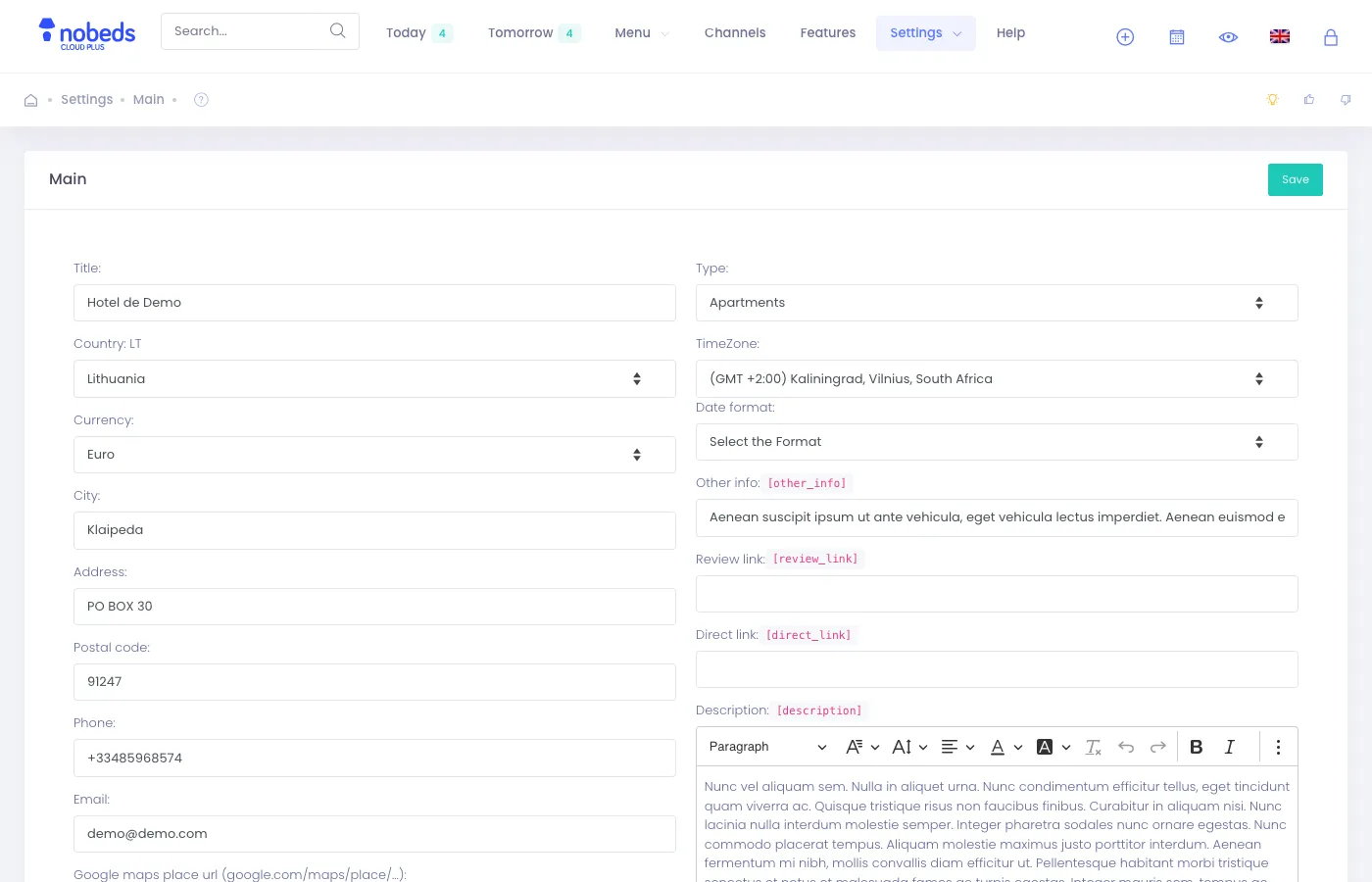
Settings > General Config