Payment Gateways & Direct Bookings
How to Connect SumUp Payment Gateway (0% Commission)?
Enable card payments for your European properties with SumUp and enjoy 0% Nobeds transaction commissions.
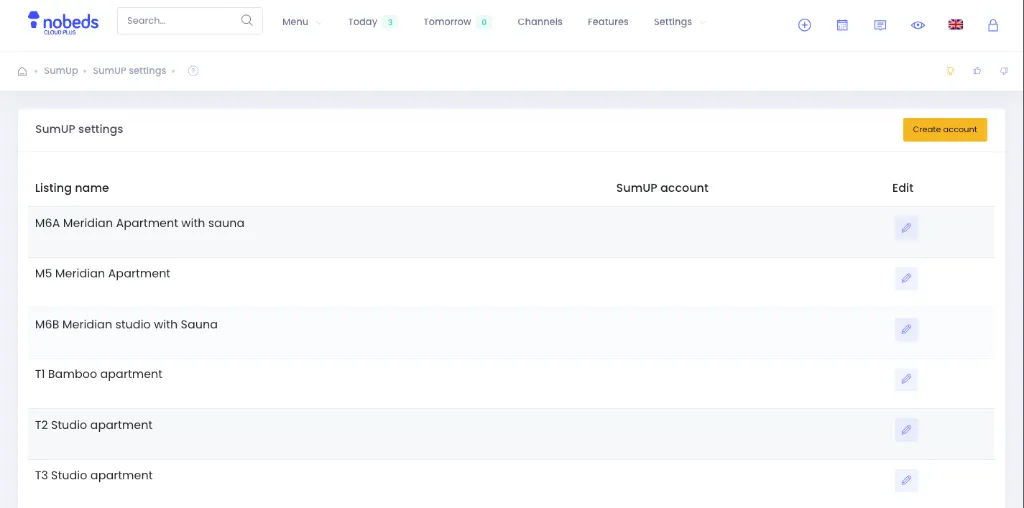
1. Open SumUp Settings in Nobeds
Access your SumUp configuration:
- In Nobeds, go to Settings > Payment Info or visit
/Settings/PaymentInfo. - Click the Edit Sumup settings button.
- Select your property listing from the table.
2. Enter Your SumUp Merchant Credentials
Link your SumUp account:
- Log in to your SumUp Dashboard (sumup.com) and navigate to your Developer / API section.
- Retrieve your Client ID, Client Secret, or authorization credentials.
- Paste the details into the Nobeds SumUp settings form and toggle the status to Active.
3. Test Direct Card Checkout
Verify that guests can pay via SumUp:
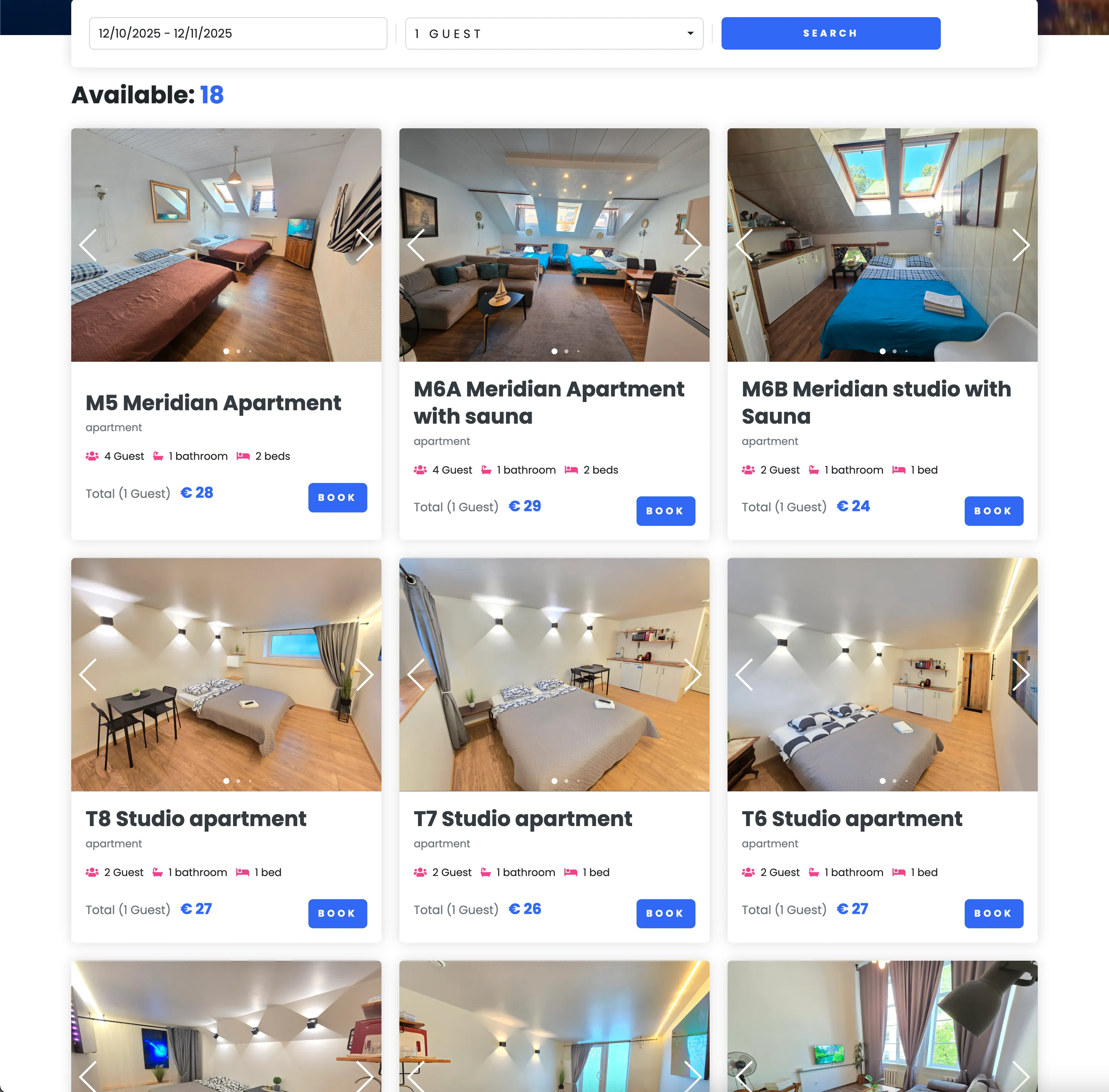
- Visit your OnePage Direct Booking Engine.
- Complete a test booking and choose the card payment option powered by SumUp.
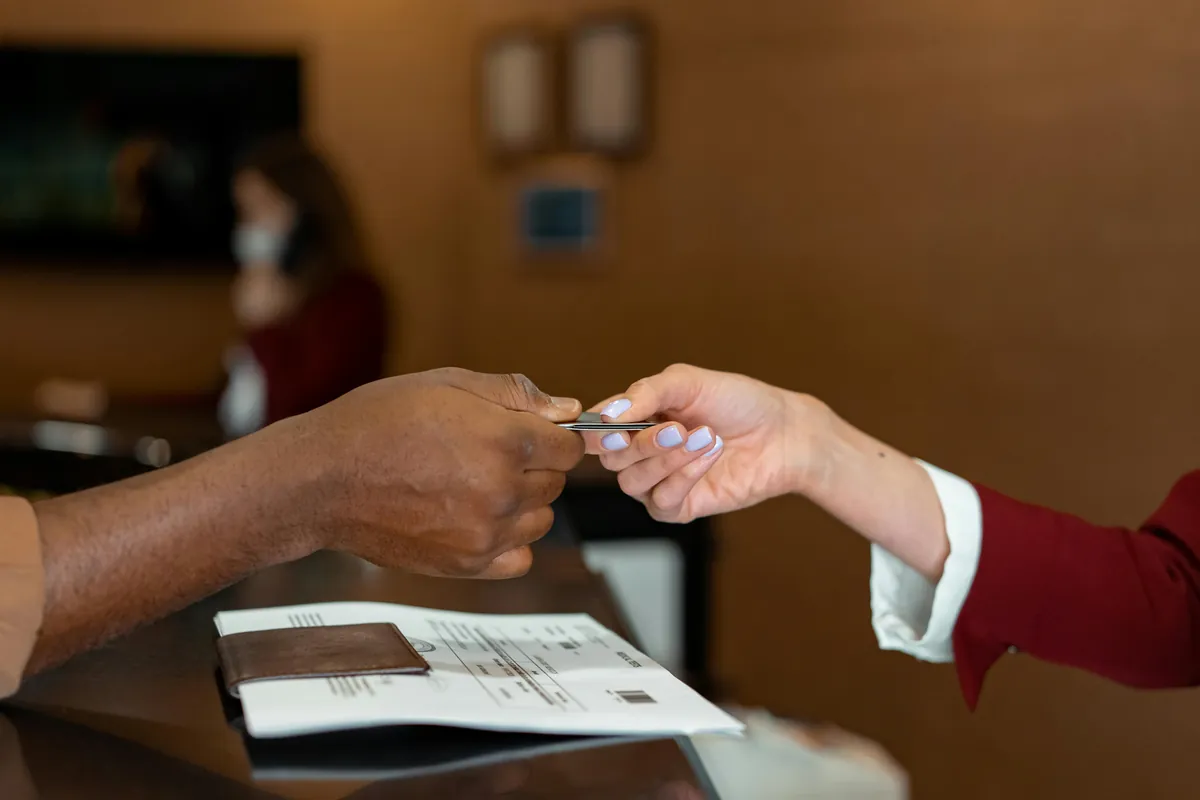
- Payment is captured instantly and credited directly to your SumUp account.
Important Payment Information
- Nobeds charges 0% commission on direct bookings. You only pay standard SumUp transaction fees directly to SumUp.
- SumUp payments are captured immediately upon booking confirmation.
Pro Tips for European Hosts
- SumUp is ideal for EU properties requiring seamless euro card processing with transparent local pricing.
- You can offer both SumUp online checkout and manual on-arrival POS payments simultaneously.
FAQ
Q:In which countries does SumUp operate?
SumUp is widely available across 30+ European countries, the UK, Switzerland, and selected international regions.
Q:Can I connect both Stripe and SumUp to different listings?
Yes! You can configure Stripe on certain listings and SumUp on others, or select your preferred gateway per property.
Q:When do payouts arrive from SumUp?
SumUp automatically transfers your funds to your linked bank account within 1–3 business days.
SumUp Integration Guide
Click to Enlarge
Click to Enlarge
Click to Enlarge
Checklist
- SumUp Merchant Account
- API Credentials & Client ID
- Active Payment Status
- 0% Nobeds commission