How to Sync Guest Database with Phone Caller ID via Google Contacts
Connect your Google account, automatically sync guest phone numbers and reservations, and see exactly who is calling before answering your phone.
Step 1 — Connect Google Account in NOBEDS
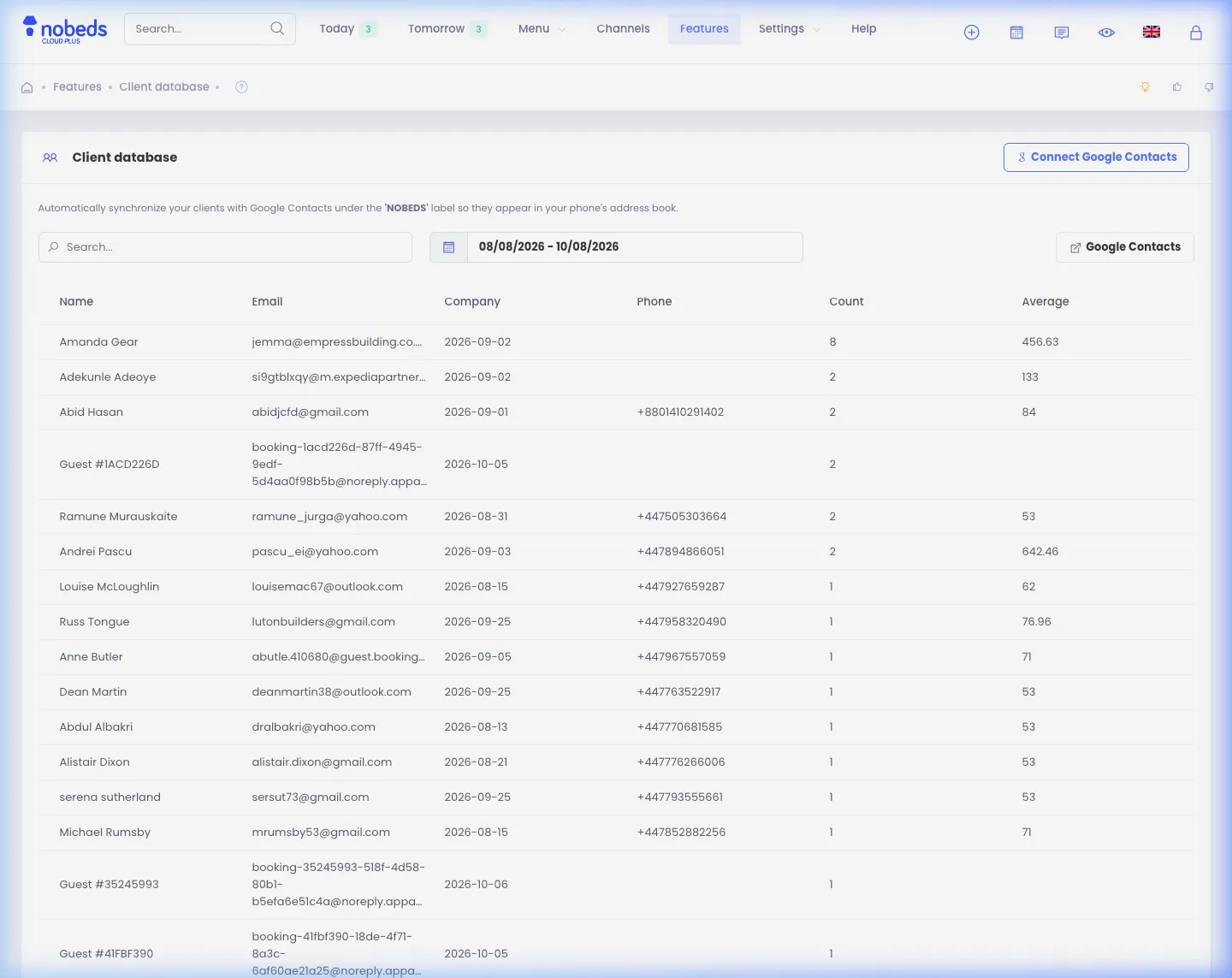
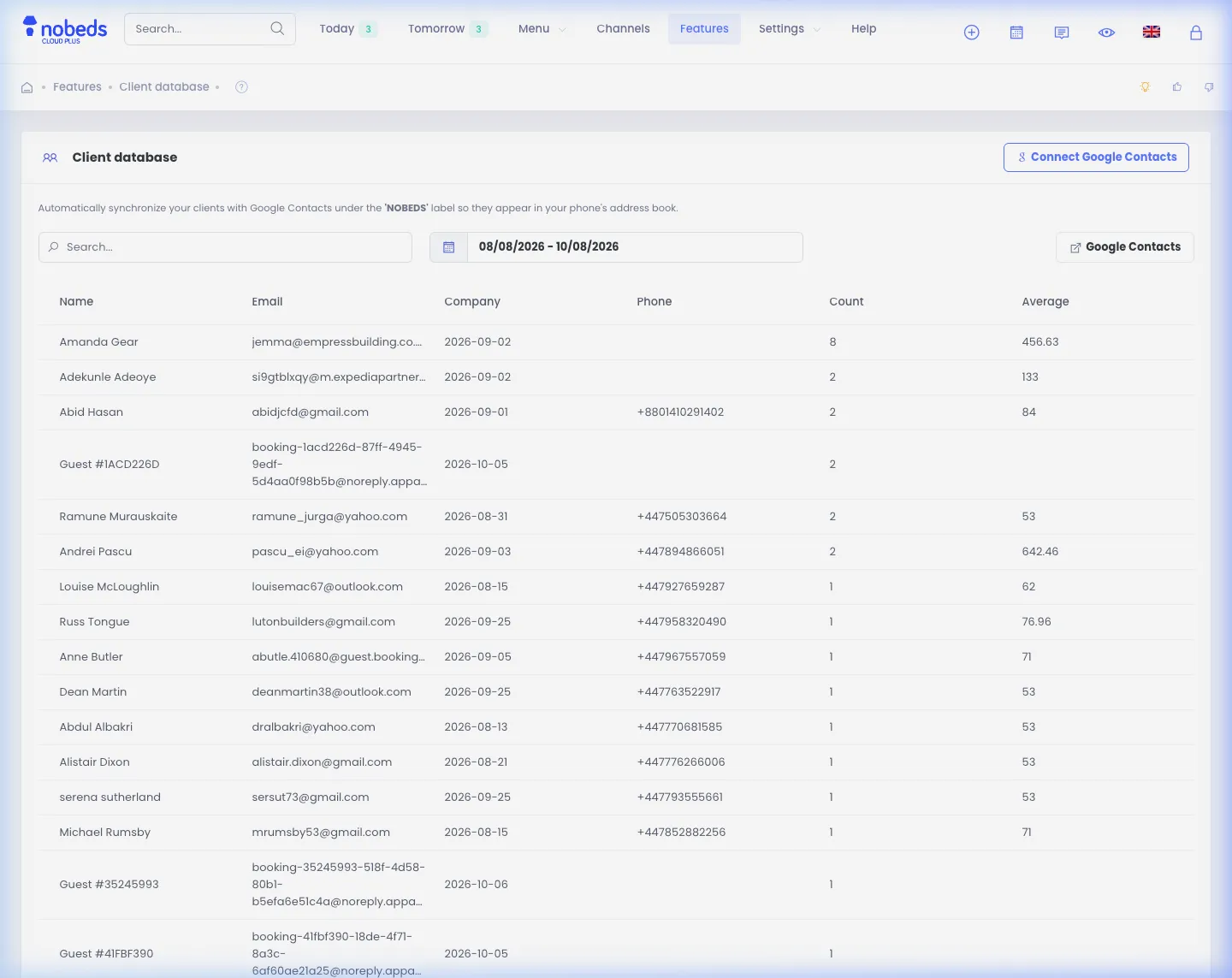
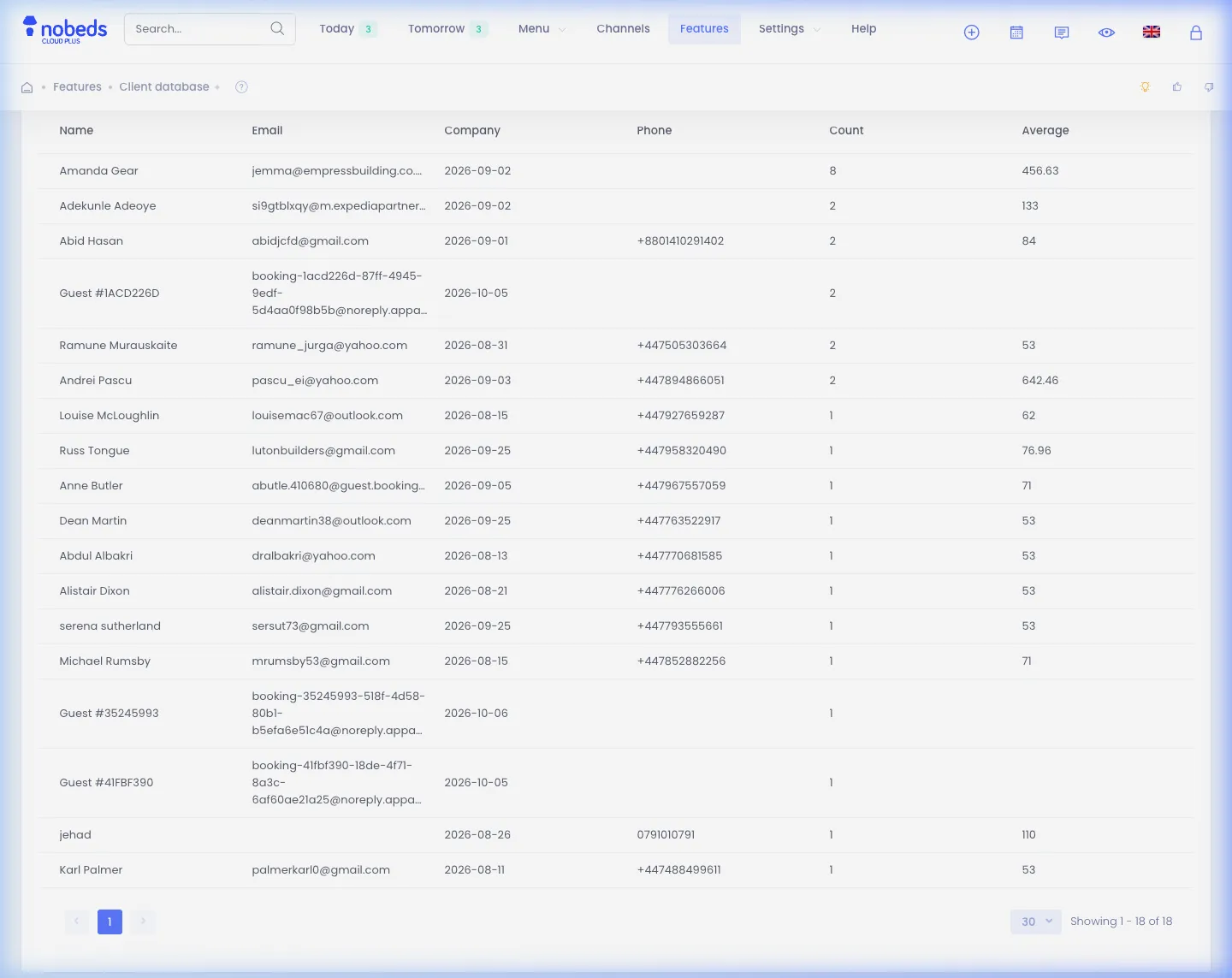
Log in to your NOBEDS account and navigate to the Client Database feature page to connect your Google account:
- In the main menu, go to Features > Client Database or open the direct link https://nobeds.app/Features/ClientDatabase.
- Click the Connect with Google button to authorize Google Contacts API access.
- Accept the secure read and write permissions for contacts.
Step 2 — Configure Auto-Sync Settings & Retention
Customize the sync parameters to determine which guest reservations are transferred to your phone contacts:
- Select the booking window range (e.g., past and upcoming months) to keep your phone contact list current.
- Enable the Auto-Sync toggle switch so new incoming reservations update contacts automatically.
- Click Save Settings to apply your preferences. NOBEDS creates a dedicated NOBEDS contact group in your Google Contacts.
Step 3 — Enjoy Instant Caller ID on Your Smartphone
Verify that your mobile device (Android or iOS) is synchronizing contacts with your linked Google account:
- On Android: Go to Settings > Accounts > Google and confirm that Contacts sync is toggled ON.
- On iPhone: Go to Settings > Contacts > Accounts, add your Google account, and turn on Contacts.
- When a guest calls your phone, your screen instantly displays their name, booked room, and stay dates for a VIP reception.
Important Notes
- Dedicated Group: Guest contacts are neatly categorized in a dedicated NOBEDS contact group so your personal address book remains organized.
- Automatic Enrichment: The contact record includes the guest full name, international phone number, email address, and check-in dates in the company/notes field.
Helpful Tips
- If you have staff or multiple receptionists, connect the same shared Google account across all team mobile phones.
- Set the retention period to 3–6 months to prevent your smartphone contact list from cluttering with historical check-outs.
FAQ
Does syncing with Google Contacts overwrite my personal contacts?
No. NOBEDS creates guest contacts within a separate NOBEDS contact group and never alters or deletes your personal address book.
What guest details appear on my phone screen when a call comes in?
Your phone displays the guest full name and phone number. When viewing the contact card, you will also see their booked room and check-in date.
Is the Google Contacts caller ID feature free in NOBEDS?
Yes, Google Contacts integration and guest database export are included with 0% commissions in NOBEDS PMS.