How to Troubleshoot Google Hotel Ads & Business Profile Matching
Ensure 100% data consistency between NOBEDS and Google Business Profile to display direct booking rates with 0% commission on Google Search and Maps.
Step 1: Check Exact Address and GPS Coordinates
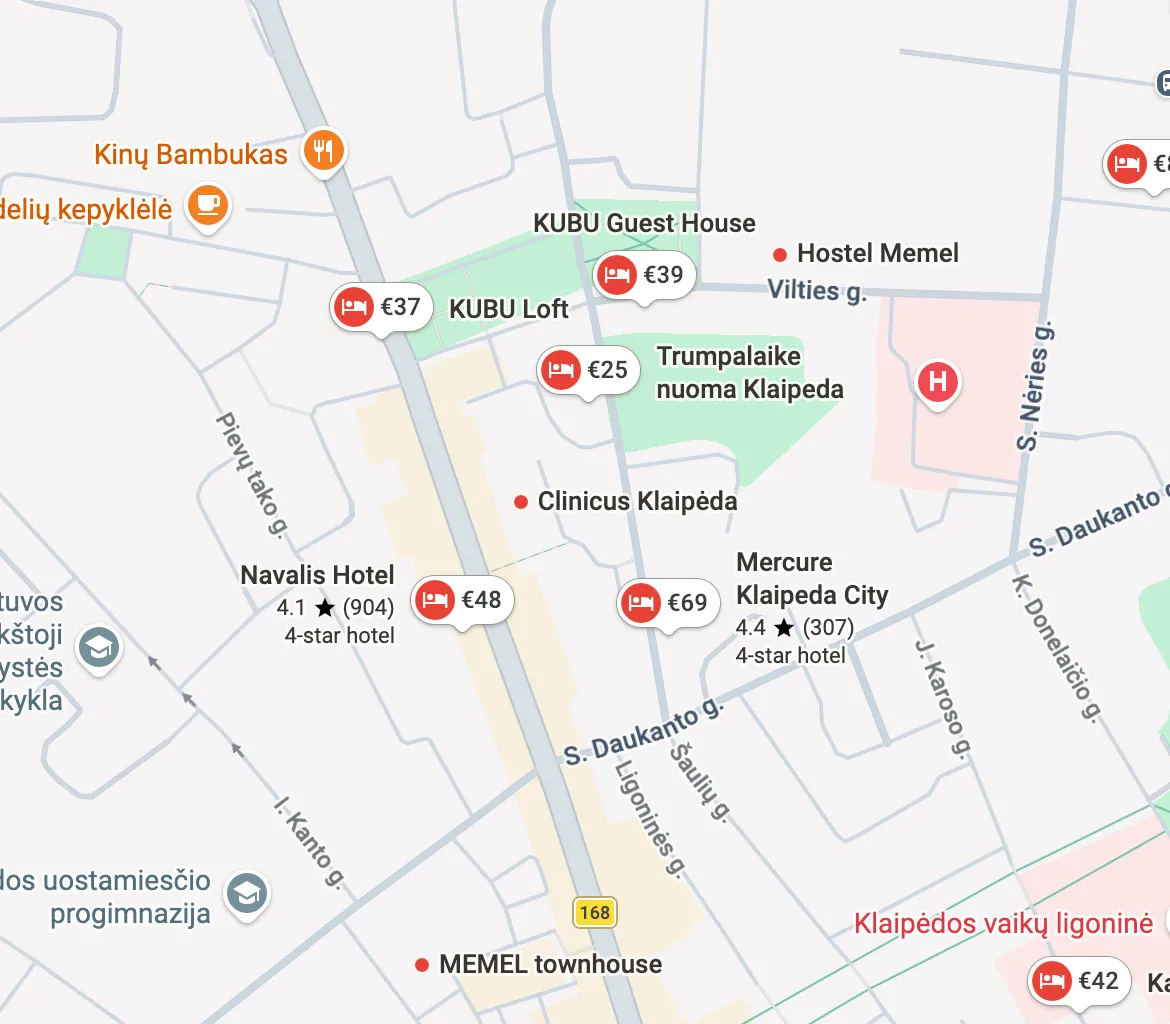
Google uses automated algorithmic matching between your NOBEDS listing and your verified Google Business Profile (GBP). Any discrepancy in location prevents your rates from showing:
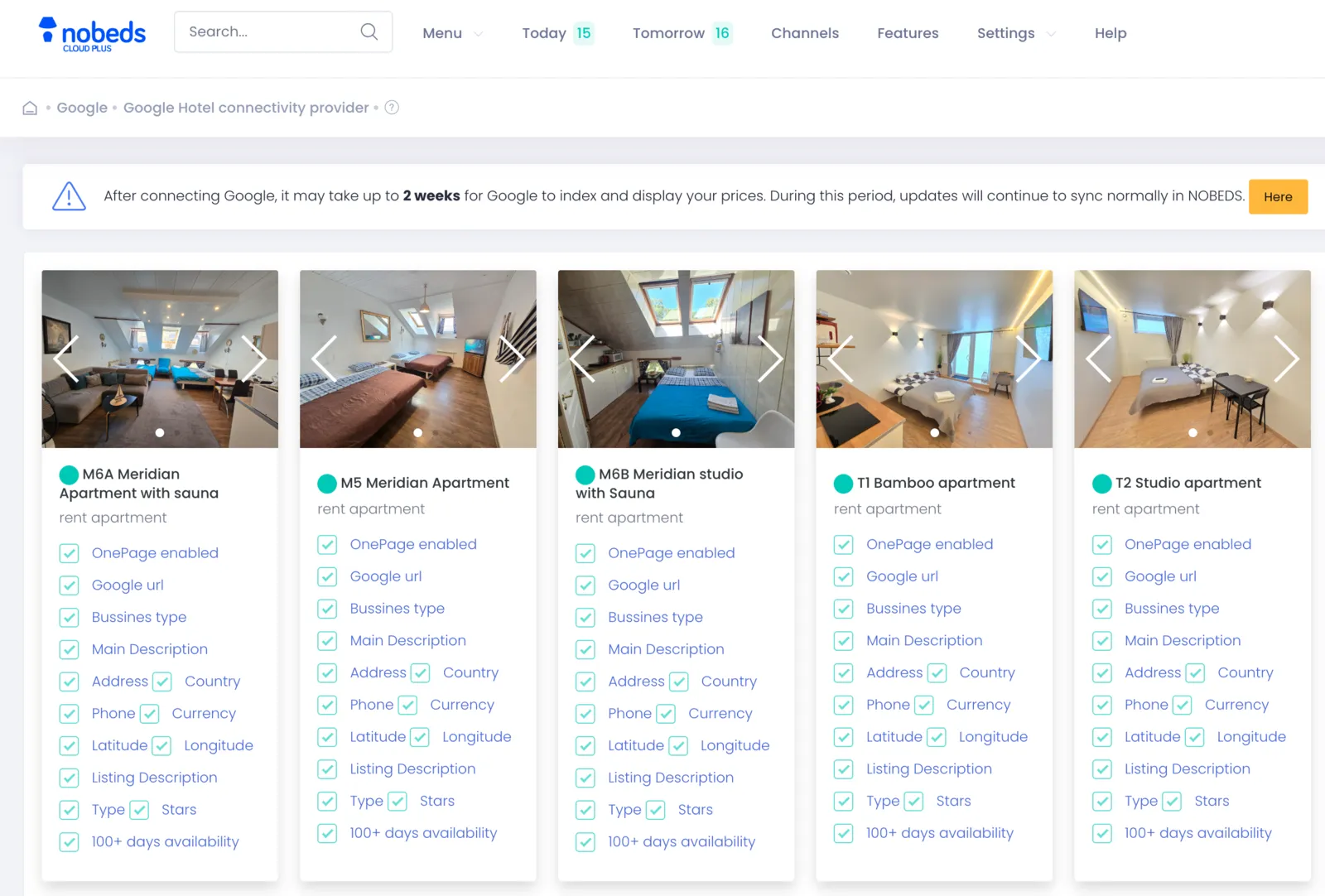
- In NOBEDS, go to Settings > Listings > Edit your property.
- Verify that the street address, house number, postal code, and city match your Google Business Profile character-for-character.
- Ensure the pin on the map / GPS coordinates (Latitude & Longitude) in NOBEDS match the exact physical entrance pinned on Google Maps.
Step 2: Match Business Name, Phone & Currency
Secondary validation checks require consistent contact and pricing information:
- Property Name: The listing name in NOBEDS must match the official registered business name on Google (avoid extra promotional keywords).
- Phone Number: Use the international format (e.g. +370...) matching the phone number listed on your Google Business Profile.
- Currency & Pricing: Ensure the base currency in NOBEDS matches your local operating currency displayed on Google.
Step 3: Verification Timeline and Sync Status
Understanding Google verification processing times and status indicators:
- Initial Verification: Google takes 1 to 3 weeks to crawl, verify physical existence, and match new listings with Google Business Profiles.
- Availability Requirement: Maintain open calendar availability and active rates in Channel Calendar for the next 30-90 days so Google can fetch live pricing.
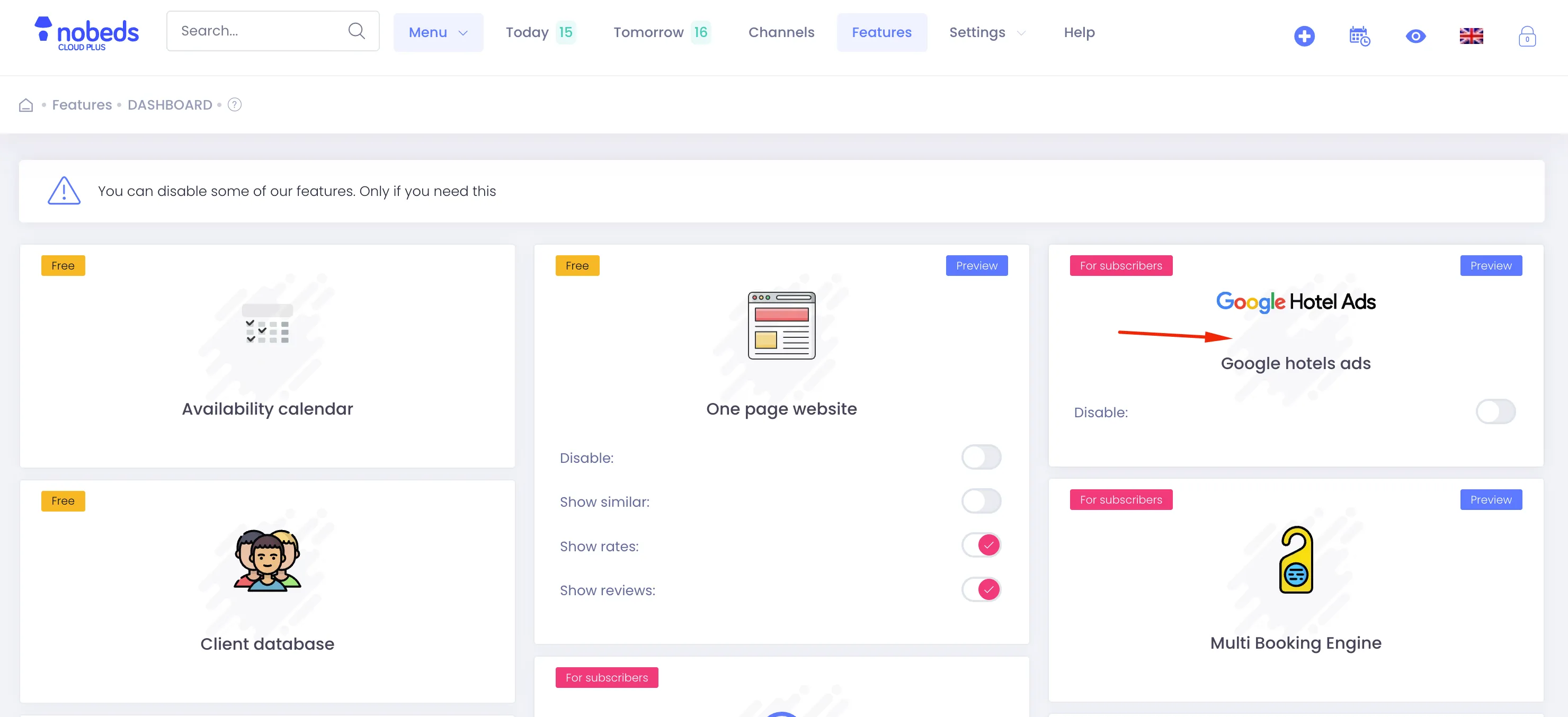
- Direct Booking Engine: Ensure your NOBEDS Direct Booking Engine is enabled, allowing guests to complete reservations with 0% commission.
Important Matching Notes
- Google Hotel Ads Free Booking Links require a verified Google Business Profile in an eligible lodging category (Hotel, Guest house, Bed and breakfast, Vacation rental, Apartment).
- If your property address was recently updated on Google Maps, allow up to 7 business days for Google hotel feed caches to refresh.
Optimization Tips
- Keep your prices competitive or equal to OTA channels to win the highest visibility on Google Free Booking Links.
- Ensure your direct booking cancellation policy and taxes are clearly specified in NOBEDS for accurate Google price display.
Frequently Asked Questions
Why is my property not showing under Google Hotel Ads Free Links?
The most common causes are: 1) Address or GPS coordinates mismatch with your Google Business Profile, 2) No verified Google Business Profile exists, 3) Calendar availability is closed, or 4) Google is still in the 1-3 week review window.
Does NOBEDS charge any commission for Google Free Booking Links?
No, NOBEDS charges 0% commission on direct bookings received through Google Hotel Ads and Google Free Booking Links.
Can vacation rentals and apartments use Google Free Booking Links?
Yes, as long as the accommodation has an active, verified listing on Google Maps / Business Profile and live rates in NOBEDS.
Google Matching Checklist
- Verified Google Business Profile
- Exact GPS coordinates match
- Matching postal address & phone
- Active rates & open calendar
Visual Guides