How to Close Room Availability
Temporarily block dates or close rooms to prevent direct bookings and sync changes to OTAs instantly.
Closing Availability Guide
Sometimes you need to block off a room for maintenance, personal use, or private bookings. In NOBEDS, you can close room availability instantly on the calendar. This prevents guests from booking via your direct booking engine and automatically syncs the blocked dates to Booking.com, Airbnb, and Expedia.
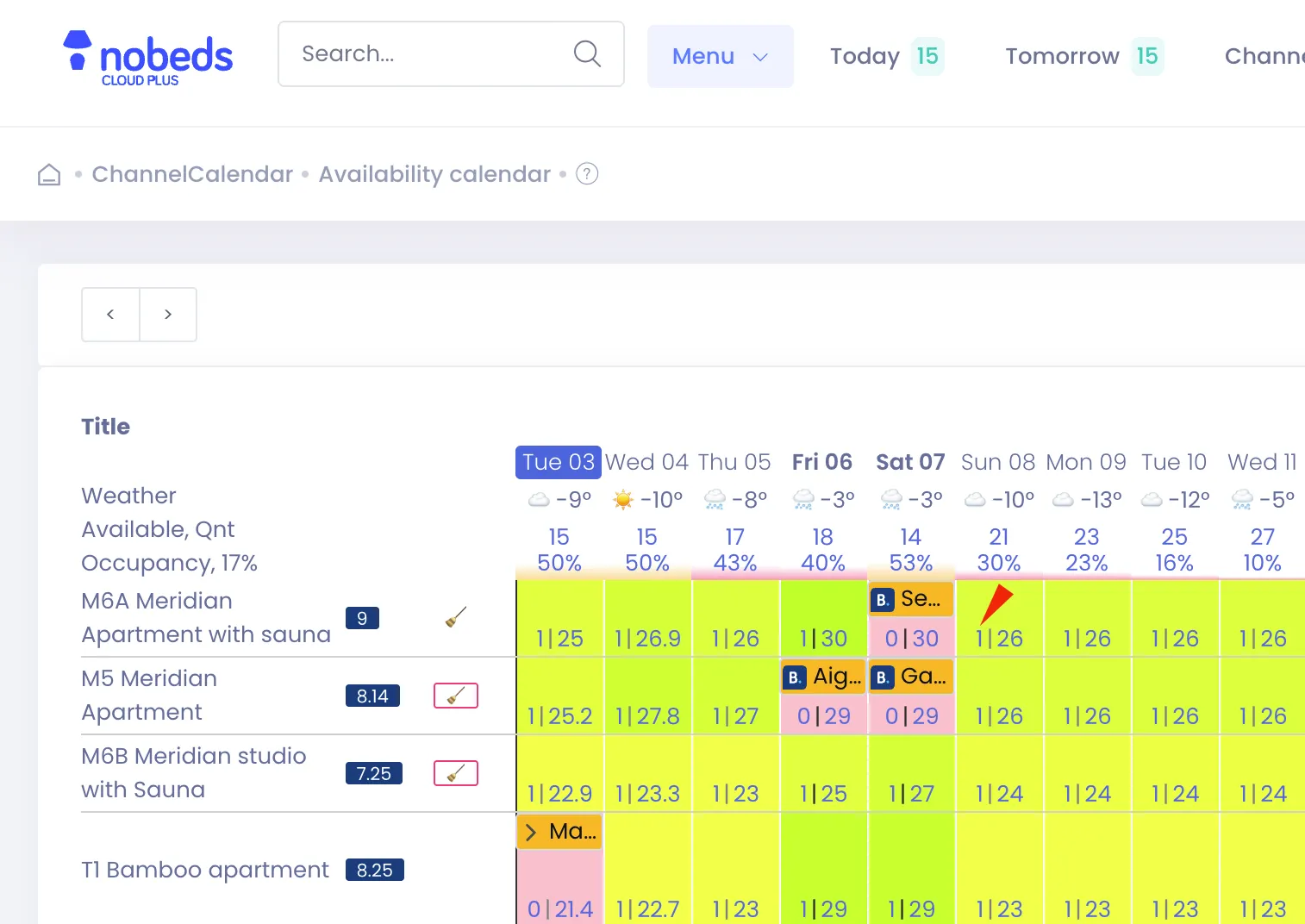
How to Close Dates
1. Direct Grid Update
Go to your Dashboard Calendar or Calendar Grid view. Click directly on the date cell for the room you wish to close. Change the available quantity input value to 0 and click Save. This closes that single date instantly.
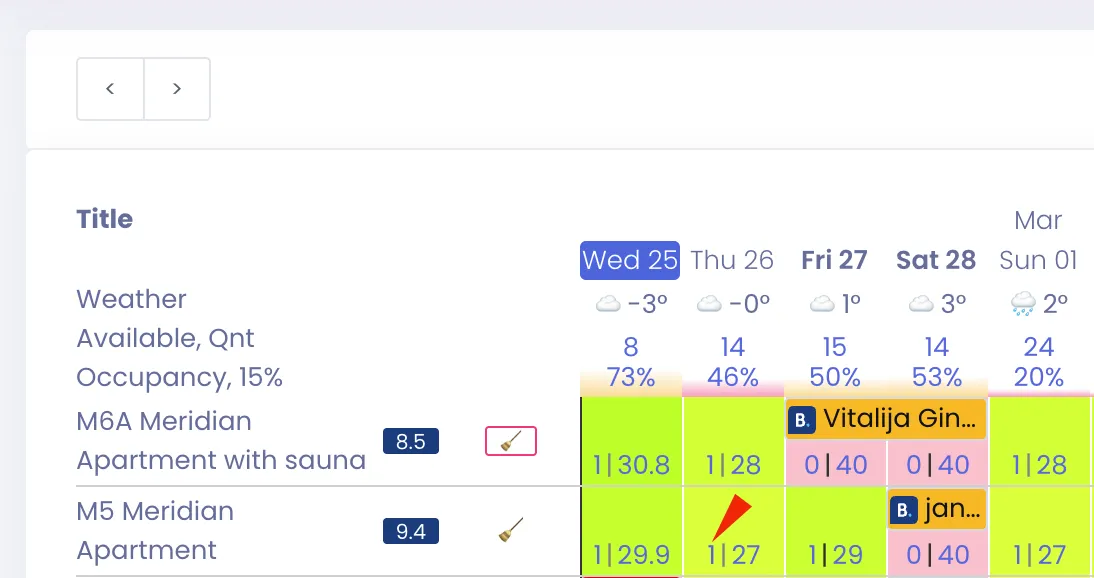
2. Bulk Close Room Dates
If you need to close a longer date range:
• Click on Bulk Update (or Set Availability/Prices) at the top of the calendar.
• Select the Start Date and End Date.
• Choose the target Room/Listing.
• Set Availability = 0 and click Save. This pushes the closed status to all connected channels shortly after.
Avoid Fake Bookings
Avoid creating dummy or fake bookings to block dates. Using the calendar's availability set to 0 is the correct method, as creating fake bookings will skew your financial records, taxes, and occupancy analytics.