Delete All System Information (GDPR)
Delete listings, managers, invoices, and bookings permanently.
GDPR System Purge Guide
1
1. Open Danger Zone Settings
Navigate to Settings > Danger Zone.
2
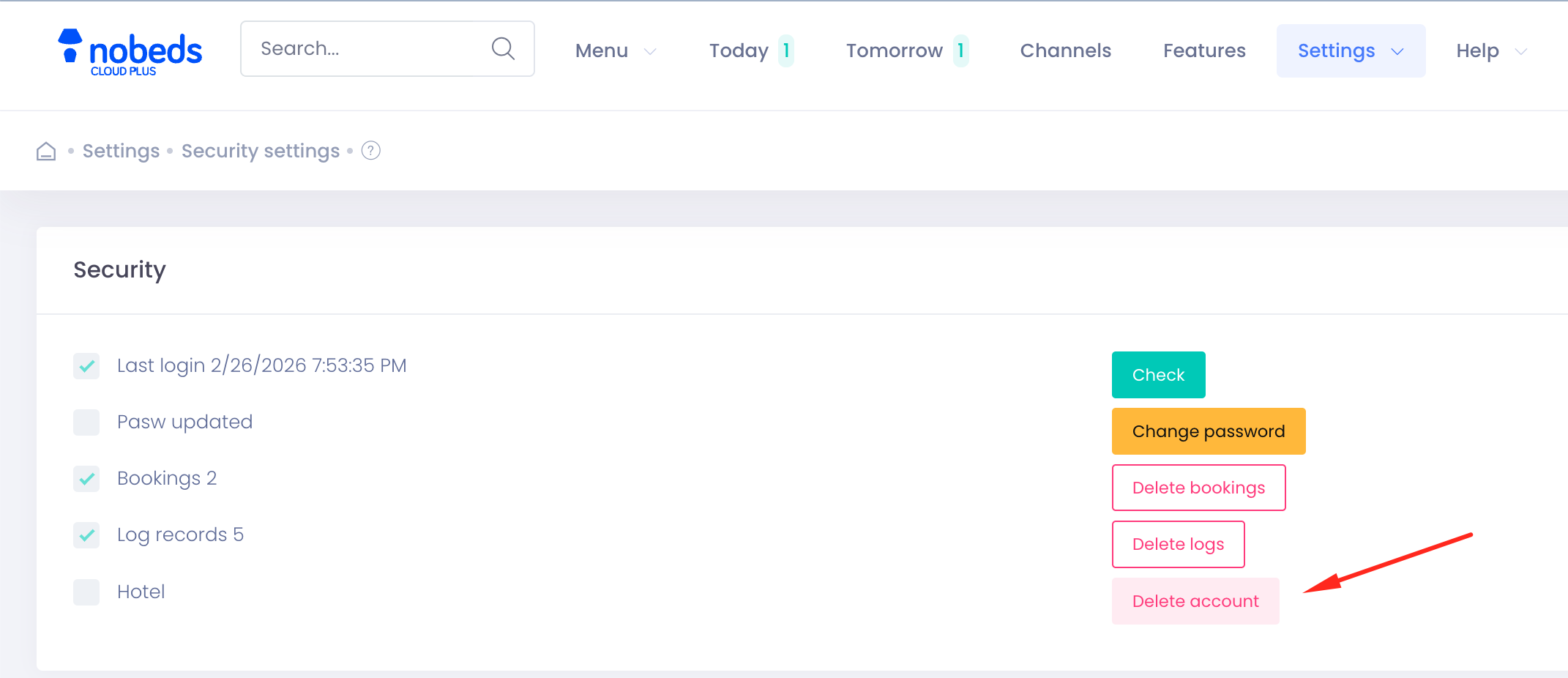
2. Choose Delete Account option
Select Delete Account and System Data.
3
3. Type Password and Confirm
Enter your account password and submit. The system will log you out and terminate the profile database permanently.
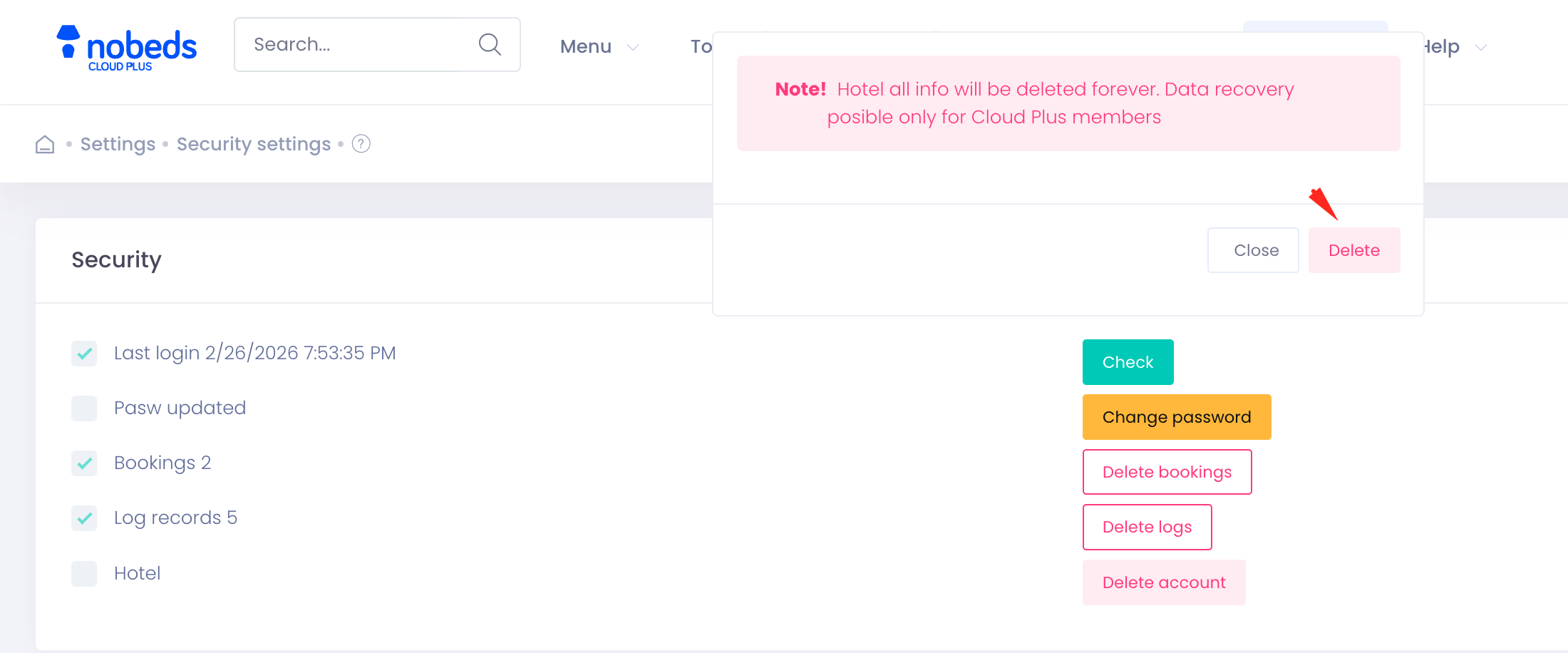
Irreversible Action
This action is final. Support cannot recover your account. Questions: support@nobeds.com.