Delete All Bookings
Danger Zone action: permanently wipe all booking and schedule files.
Bulk Bookings Purge Guide
1
1. Go to Reset Panel
Navigate to Settings and select the Danger Zone or Reset Options.
2
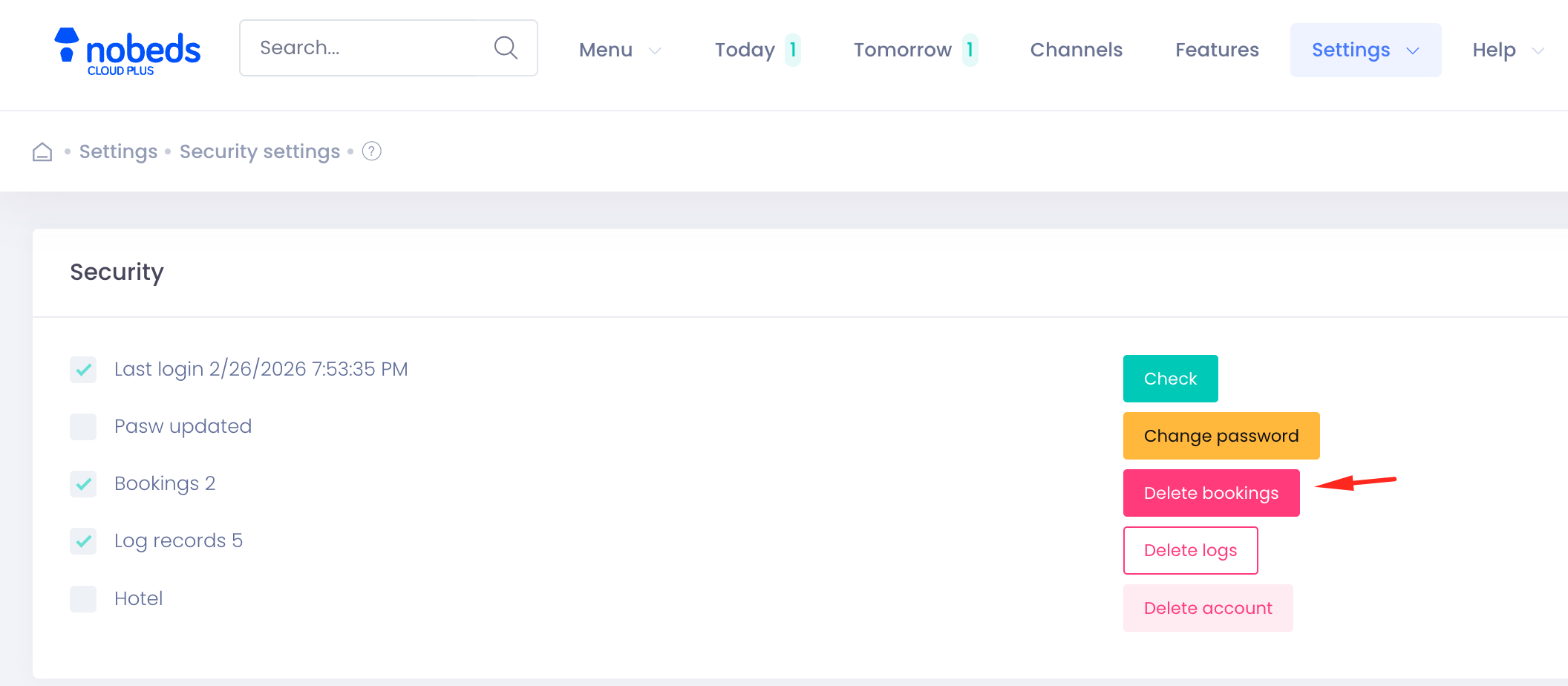
2. Select Delete All Bookings
Locate the Delete All Bookings option. Read the warnings carefully.
3
3. Confirm and execute
Type your password or confirmation text and click Permanently Delete to empty the database.
Permanence Warning
This action is irreversible and deletes past stats. Contact support for help: support@nobeds.com.