How to enable / disable password autofill on Android?
If your device does not offer to save or autofill your password, follow these settings steps to reset your Android credentials manager.
Google Password Manager Configuration
Android uses Google Password Manager and Chrome Autofill to save credentials. If you previously clicked "Never for this site" when logging into NoBeds, your device will stop asking you to save the password. Follow the steps below to restore this behavior.
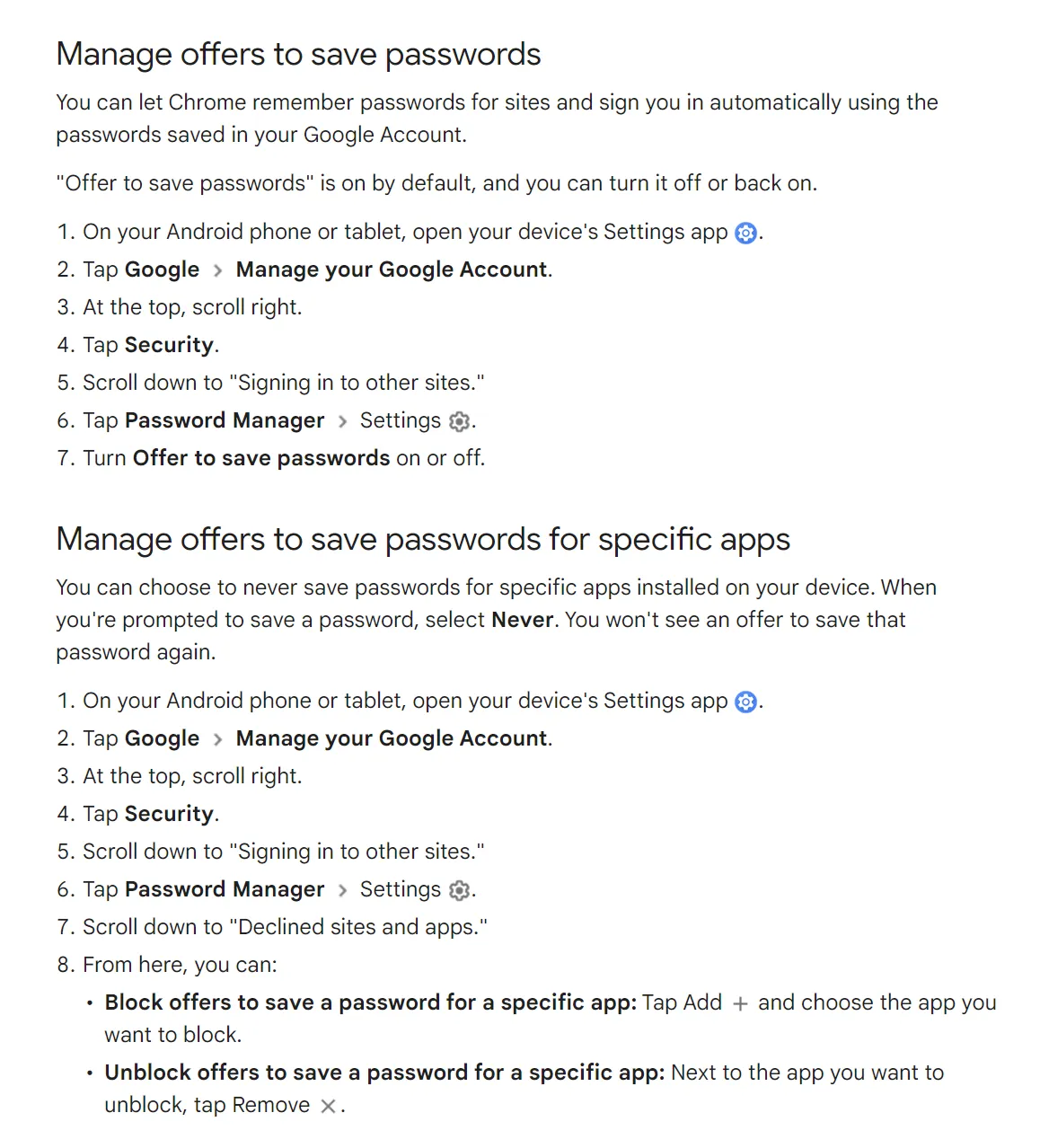
How to Enable/Disable Password Prompts:
- Open Google Chrome or your default browser on your Android device.
- Tap the three dots (Menu) icon in the top-right corner and select Settings.
- Tap on Password Manager (or Settings > Passwords).
- Ensure the toggle Offer to save passwords is turned ON.
- Scroll down to the Declined sites and apps list. If you see nobeds.app or the NoBeds app listed, tap the X icon next to it to remove it. This will allow the system to ask to save credentials again.