How to Sync Airbnb Calendar via iCal
Keep your availability up-to-date and prevent double bookings by setting up a two-way iCal sync with Airbnb.
Two-Way Synchronization Guide
iCal (Calendar Sync) allows you to synchronize reservation dates between NOBEDS and Airbnb automatically. Setting up a two-way sync involves exporting your availability from NOBEDS to Airbnb, and importing Airbnb's calendar back into NOBEDS.
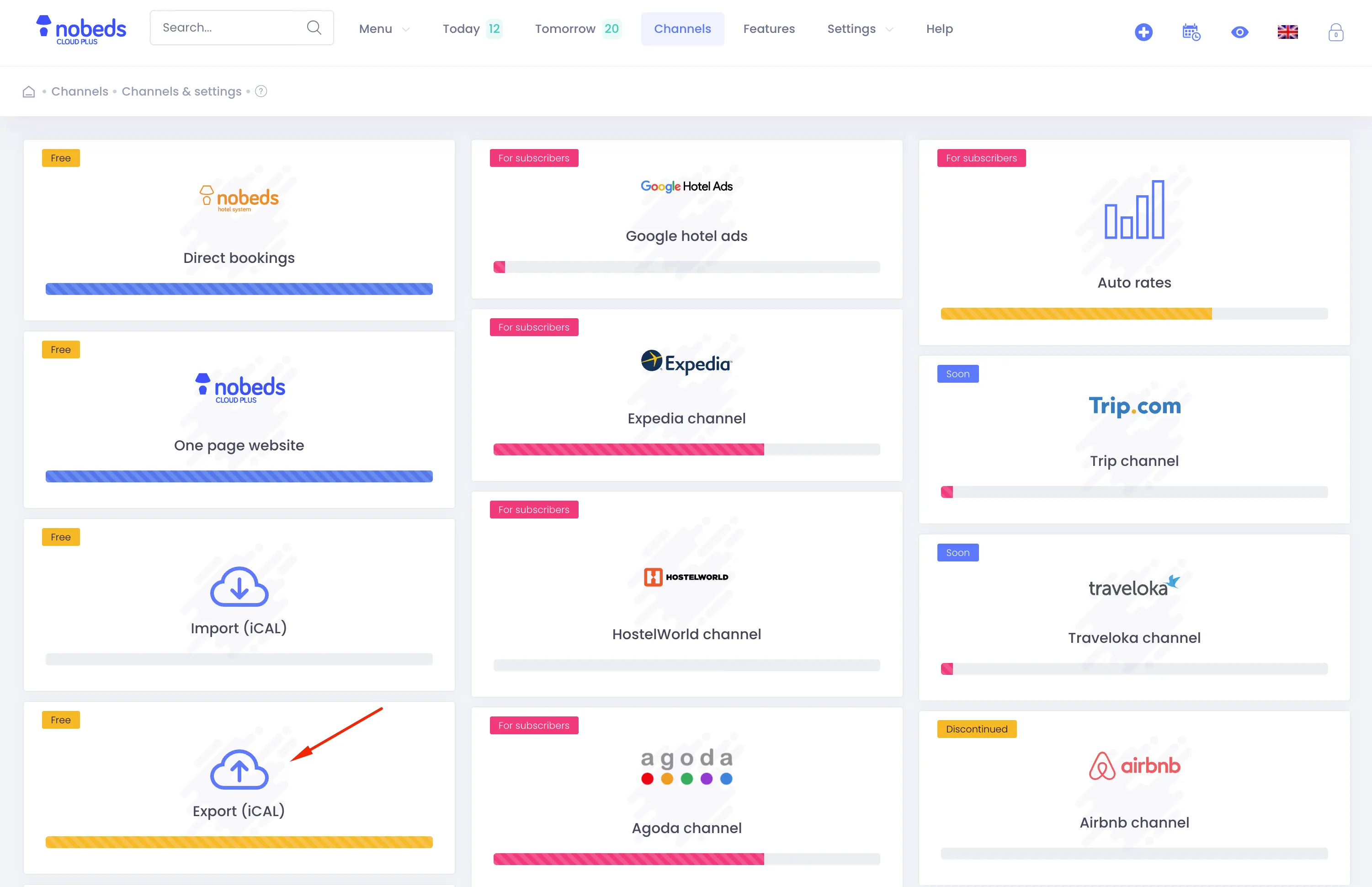
Step-by-Step Sync Setup
1. Export Calendar from NOBEDS to Airbnb
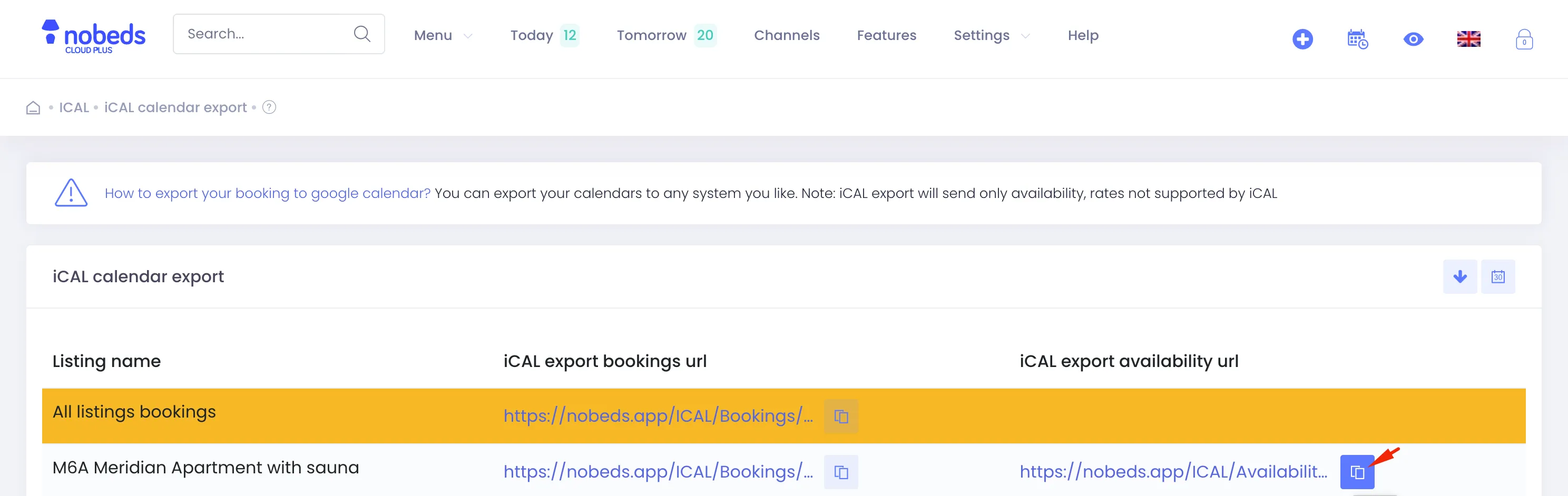
Navigate to Channels > iCAL Export in your NOBEDS menu. Find the listing you want to sync, copy its unique calendar link (URL), then:
• Open your Airbnb Host panel, go to Calendar > Pricing and availability.
• Scroll down to Calendar sync, click Export calendar, and paste your NOBEDS link.
2. Import Airbnb Calendar to NOBEDS
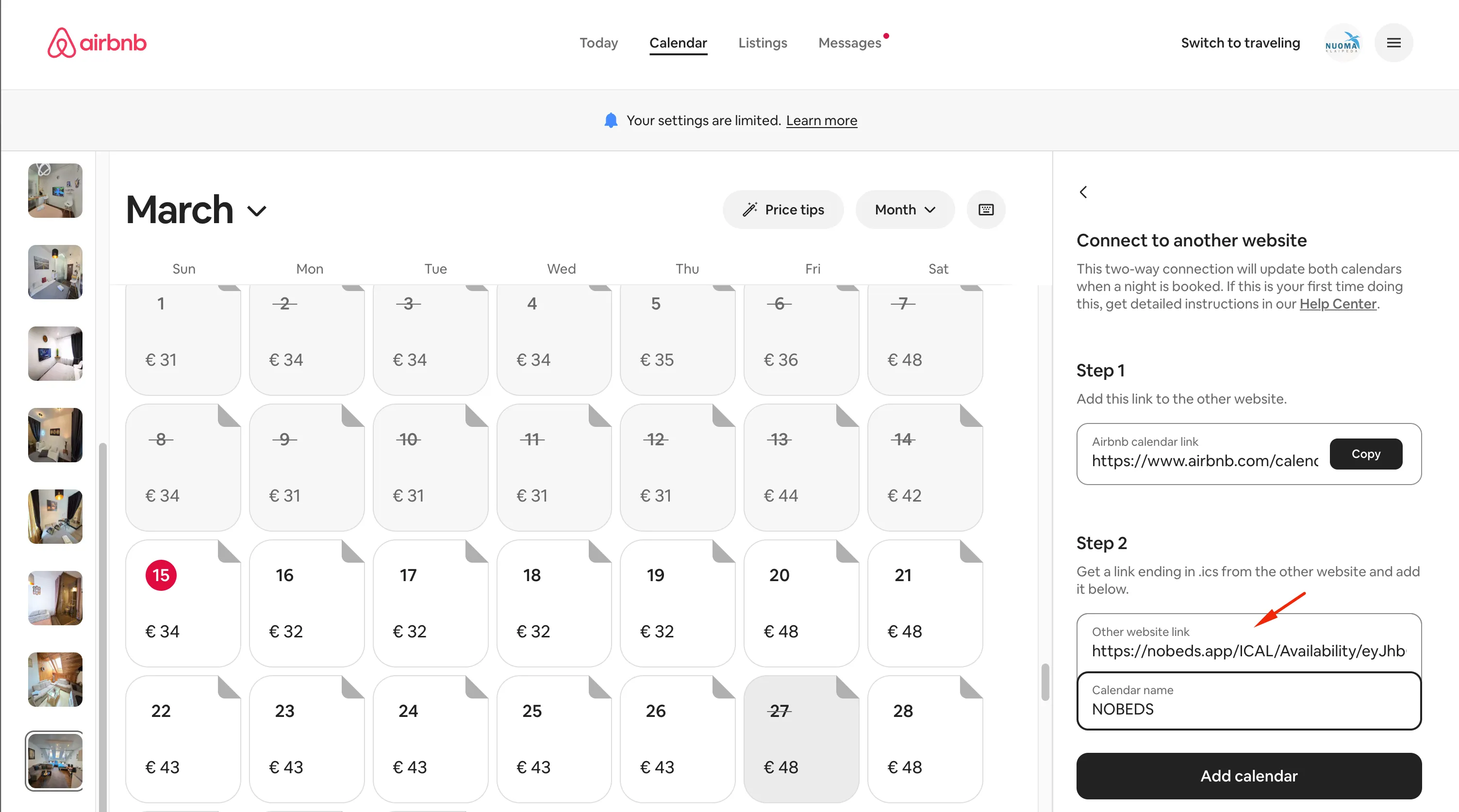
In your Airbnb Host panel under Calendar sync, click Import calendar and copy the unique Airbnb calendar URL. Then:
• Go back to your NOBEDS panel and navigate to Channels > iCAL Import.
• Select the correct room/listing, paste the Airbnb URL, name the calendar (e.g., 'Airbnb Room 1'), and click Save.
Frequently Asked Questions
How fast does it sync? iCal sync is not real-time and depends on channel refresh cycles (usually every few hours). If you need instant sync, consider using our XML API Channel Manager. If you encounter issues, contact support@nobeds.com.