Add Video to Listing Description
Showcase your properties with videos embedded directly in description views.
Video Embedding Guide
1
1. Copy YouTube/Vimeo Share Link
Go to YouTube or Vimeo. Find the video of your property. Click on Share and copy the standard video URL or the iframe embed code.
2
2. Open Listings Settings in NOBEDS
Log in to NOBEDS. Navigate to Settings > Listings. Select the listing you want to edit to open the detail form.
3
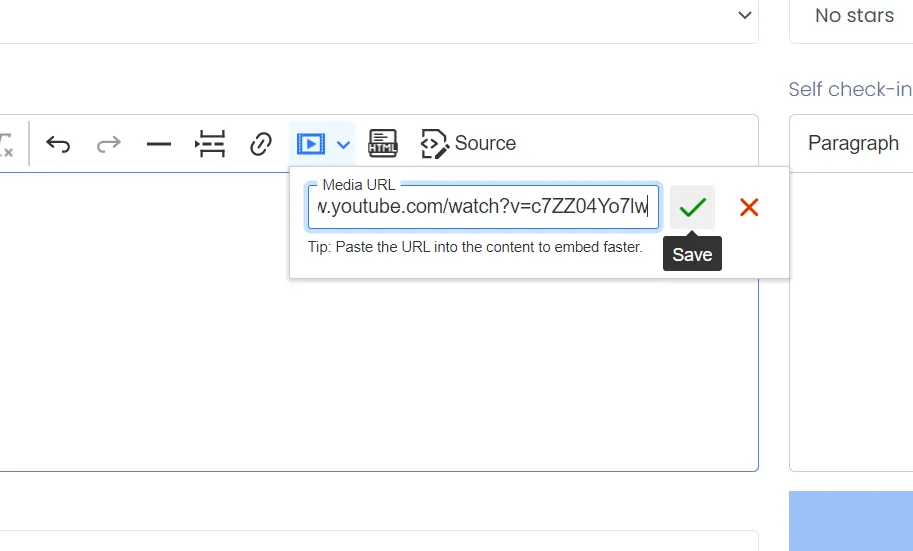
3. Paste Video Link in Description
Locate the Description editor. Click on the video integration button or paste the URL inside the designated video link field. Click Save.
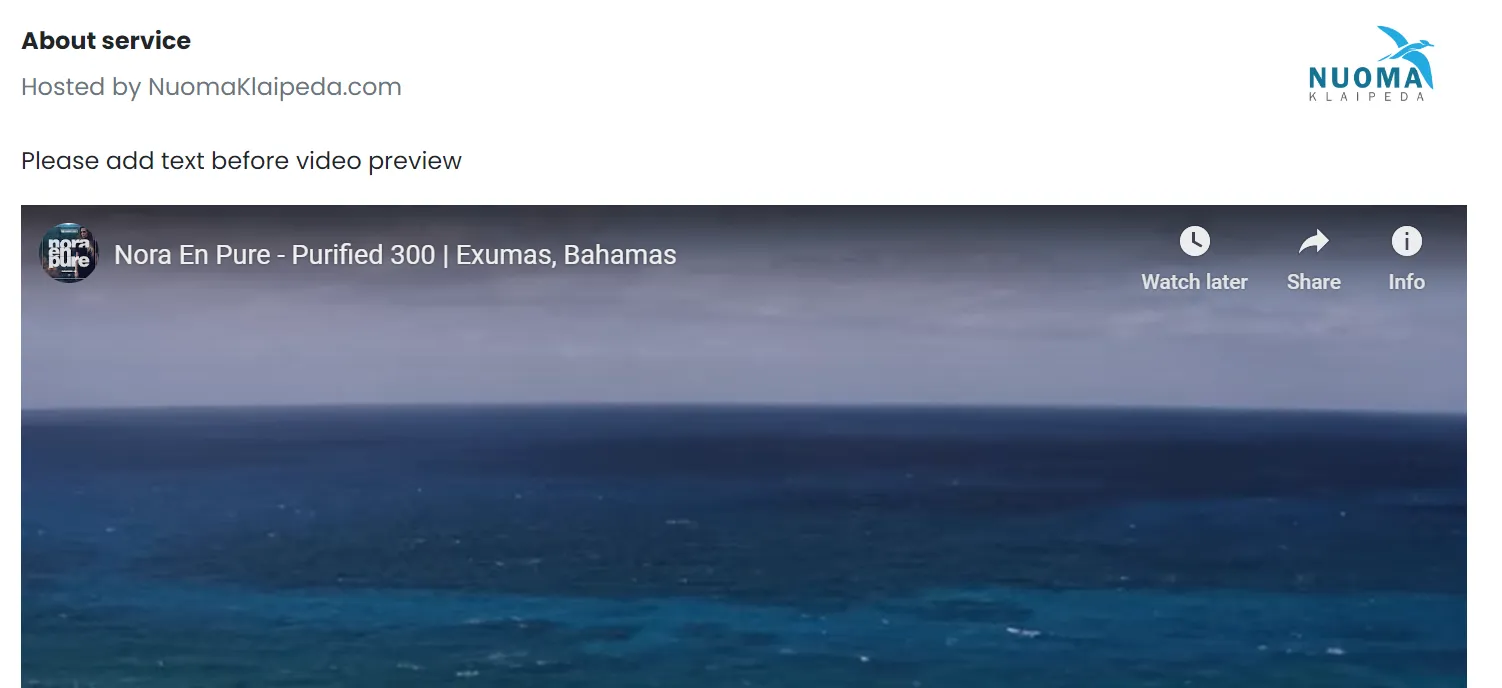
Verification Support
Open your direct booking engine to verify that the video renders correctly. For support, write to support@nobeds.com.