How to create new listing?
Create a new property listing in NOBEDS to start managing sales and syncing channels.
Create a New Listing Step-by-Step
1
1. Go to Listings Settings
Navigate to the Settings menu and click on the Listings panel to load your active inventory.
2
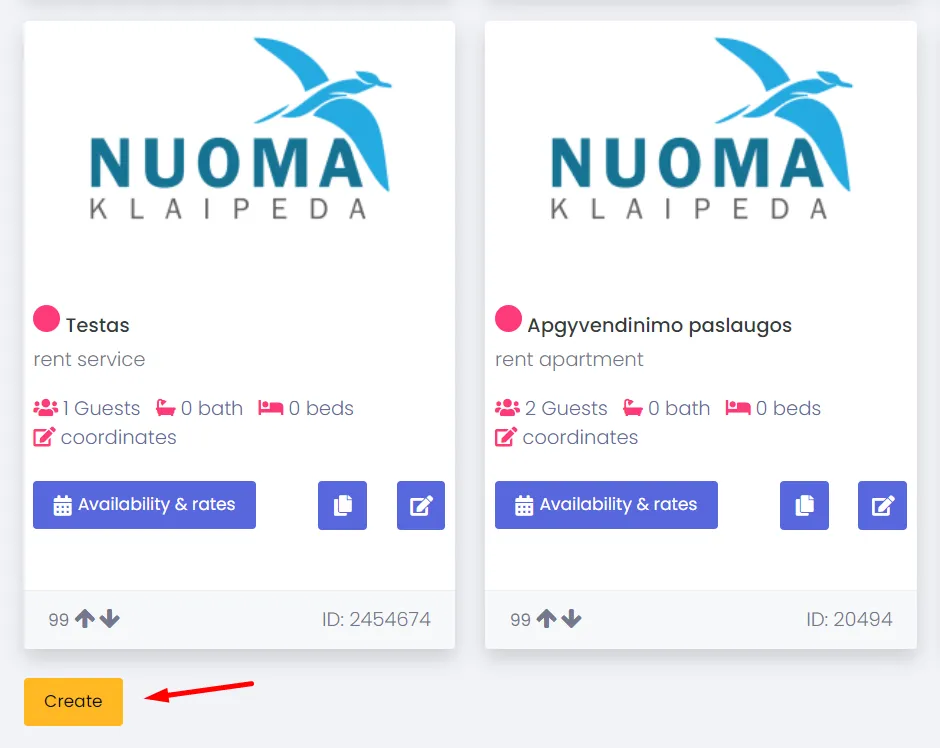
2. Click Create New Listing
In the top-right corner, click on the Create New Listing button to open the property configuration form.
3
3. Enter Details and Save
Enter the room name, select the room type, input occupancy limits, and define your default base price. Click Save to confirm and add the new room to your calendar.
Need Assistance?
Adding a listing automatically creates a new row on your calendar. For any questions, contact us at support@nobeds.com.