Auto Invoices & Self Check-In on Expedia
Automate billing and welcome emails for guests booking via Expedia.
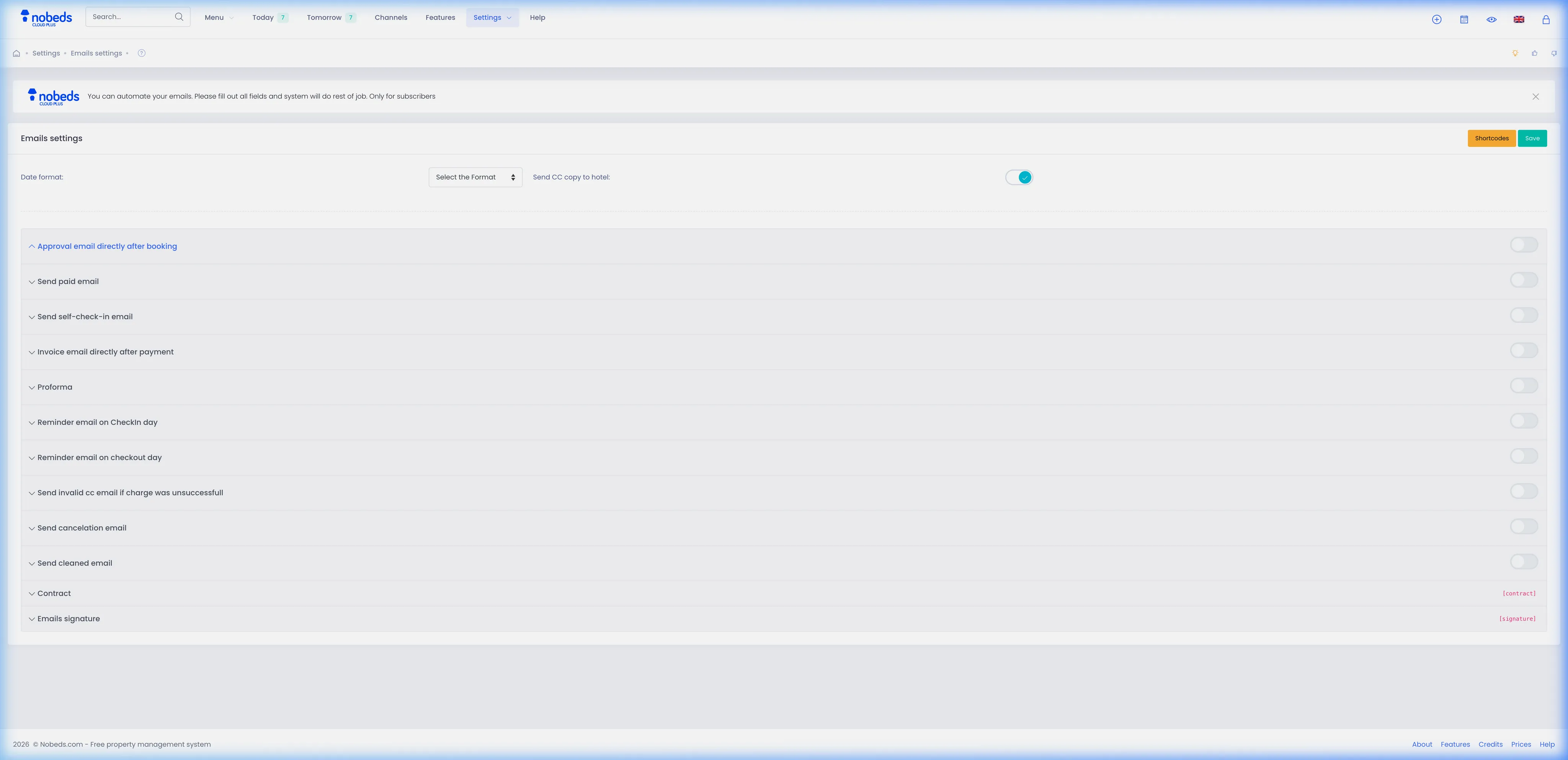
1. Access Emails Settings
To configure automatic emails and invoices:
- Go to the main menu and select Settings.
- Click on Emails (Emails settings) to open the templates panel.
2. Configure Automated Triggers
Set up the required email triggers in the accordions:
- Approval email directly after booking: Turn this on to send a confirmation immediately when Expedia sends a booking.
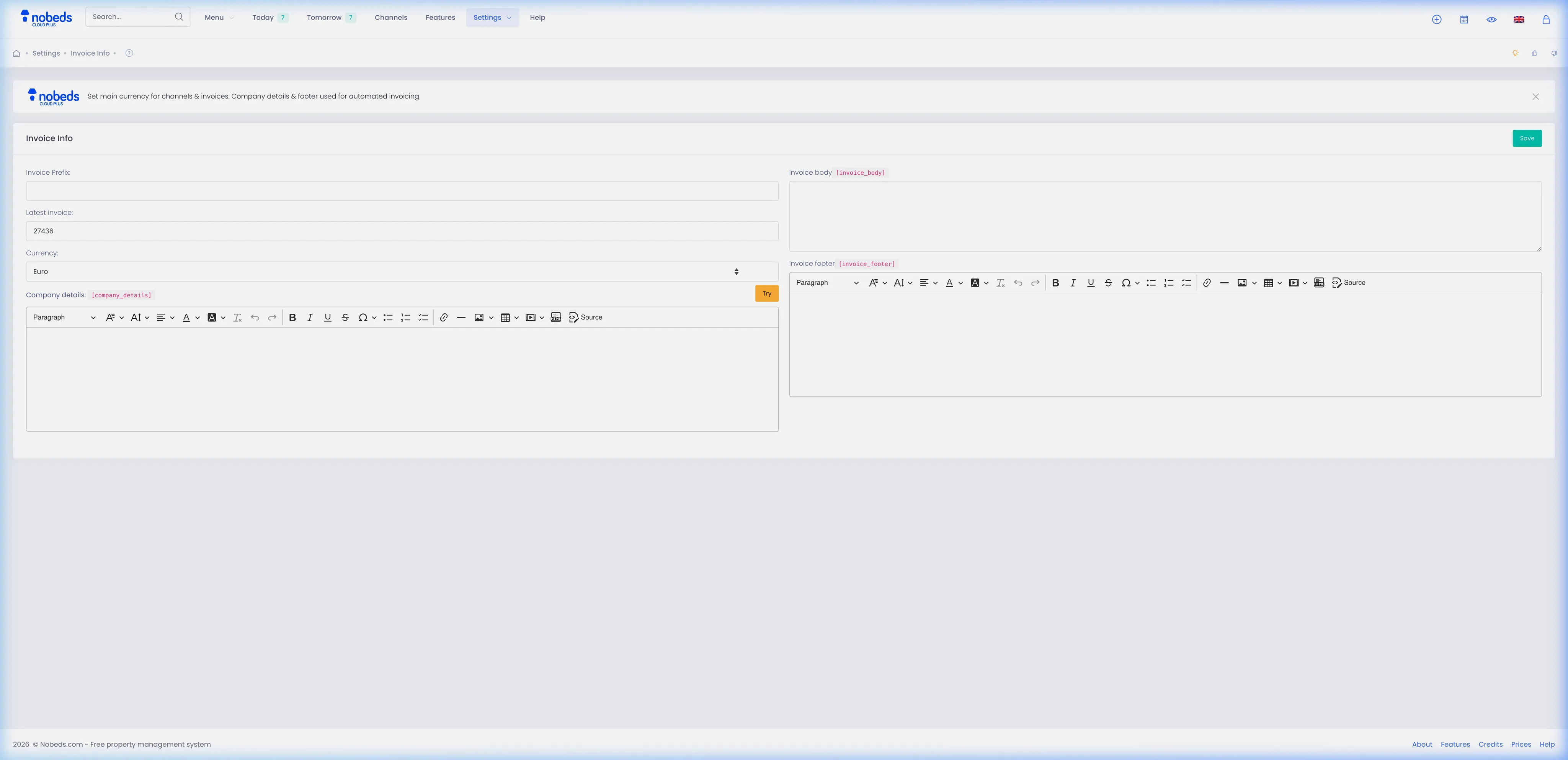
- Invoice email directly after payment: Enable this to send a PDF invoice. You must insert the [invoice] shortcode in the email text to attach the link.
- Send self-check-in email: Enable this for access instructions. This is sent ONLY when booking status is updated to Paid, Paid CC, Paid bank, or Paid OTA.
3. Deliver via Expedia Proxy
How NOBEDS delivers these to Expedia guests:
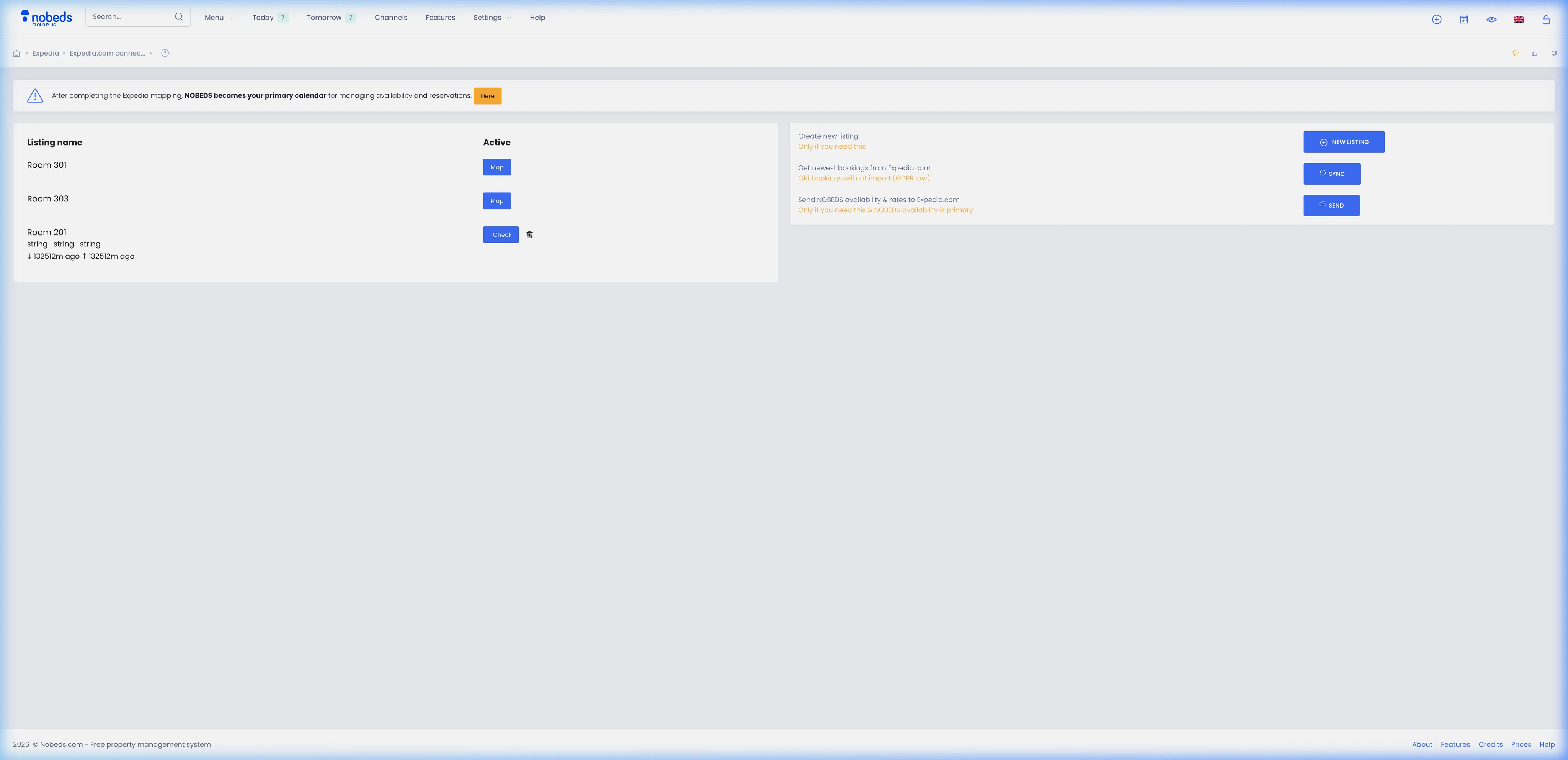
- No extra relay option is needed; NOBEDS automatically routes these enabled emails directly to the anonymous Expedia guest email proxy associated with the booking.
Important Notes
- Self-check-in emails require the reservation status to be changed to Paid before the system sends the codes.
- Ensure your custom templates include appropriate shortcodes like [invoice] or [room] to personalize the guest details.
Tips
- Use the Try button next to each template to send a test email to your inbox and check the layout.
- Turn on Send CC copy to hotel under general email settings to track all outgoing automated communications.
FAQ
Why is the self-check-in email not sent to my Expedia guest?
Self-check-in emails are only triggered when the booking status becomes Paid, Paid CC, Paid bank, or Paid OTA. Check that the booking is marked as paid.
How does the guest receive the invoice?
Enable the 'Invoice email directly after payment' option, and make sure the template contains the [invoice] shortcode. The system will email the guest a secure link to their PDF invoice.
Do I need a special relay setting for Expedia?
No, NOBEDS automatically forwards these emails using Expedia's anonymous email proxy service directly to the guest.